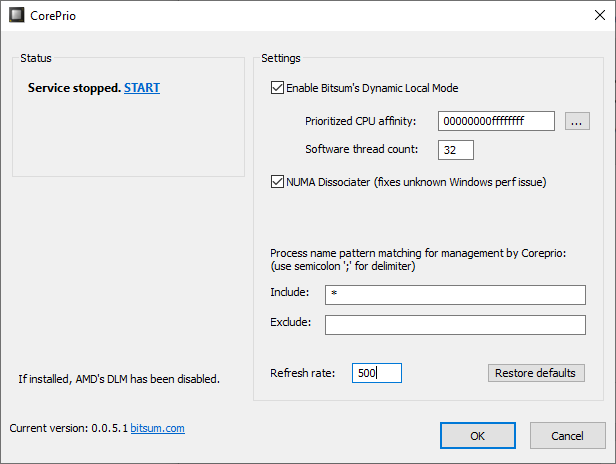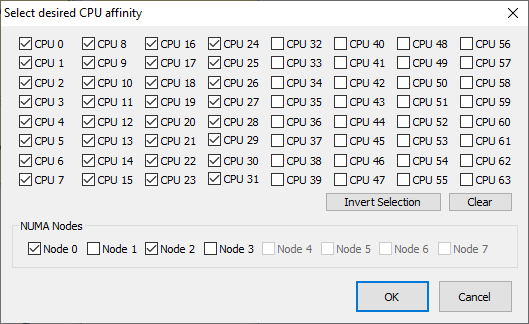
NUMA Nodes Added to CPU Affinity Dialogs
As of Process Lasso v9.0.0.522, NUMA nodes have been added to the CPU affinity dialogs. This is part of an on-going effort to improve manageability of high core count systems.
Read more
As of Process Lasso v9.0.0.522, NUMA nodes have been added to the CPU affinity dialogs. This is part of an on-going effort to improve manageability of high core count systems.
Read more
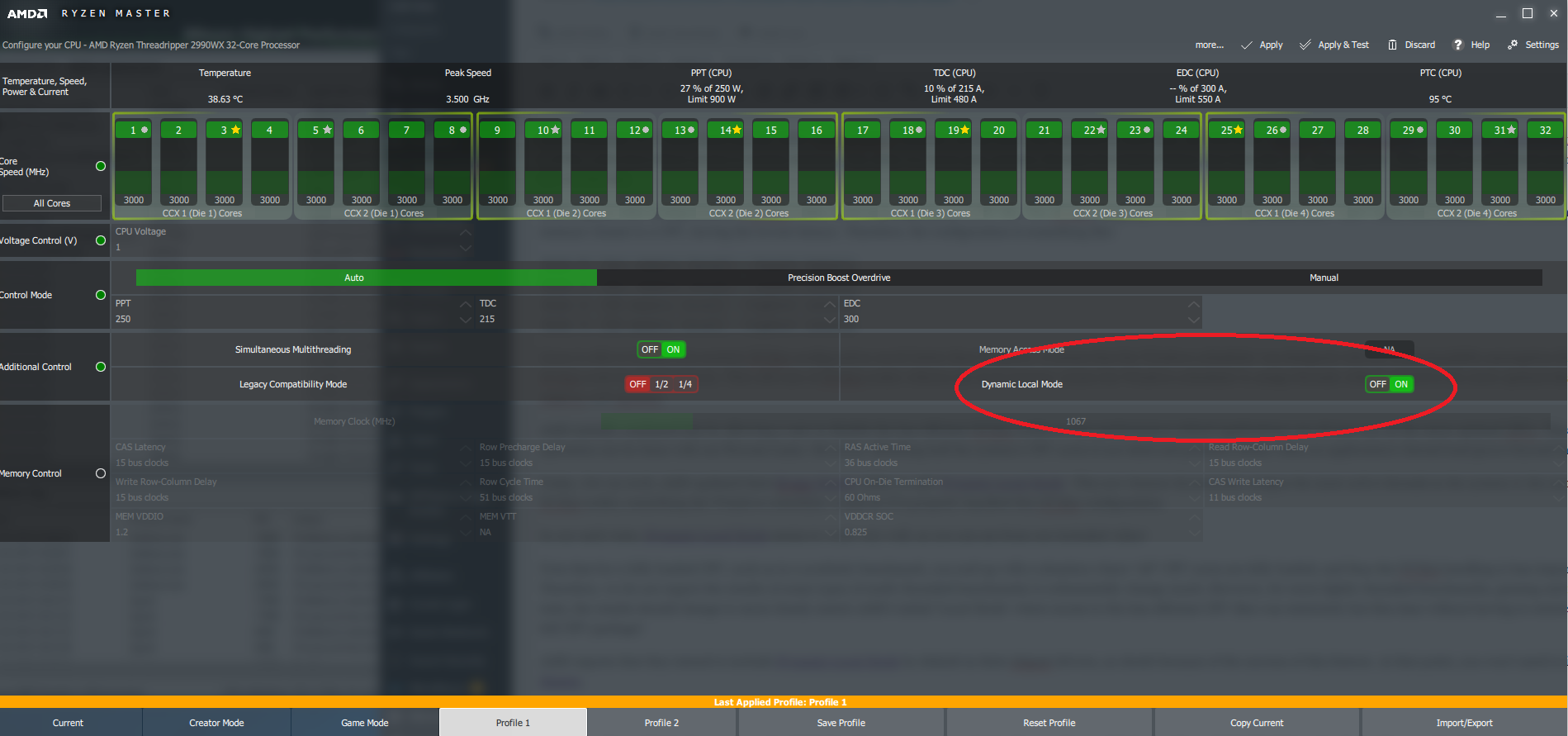
UPDATE: Bitsum is testing our own Dynamic Local Mode implementation – See this forum thread for more information. Here at Bitsum we’ve been closely following the AMD Threadripper 2nd gen releases. As has been well reported on tech sites, the core heavy 2990wx and 2970wX have an unusual configuration where only 2 of the 4 dies […]
Read more
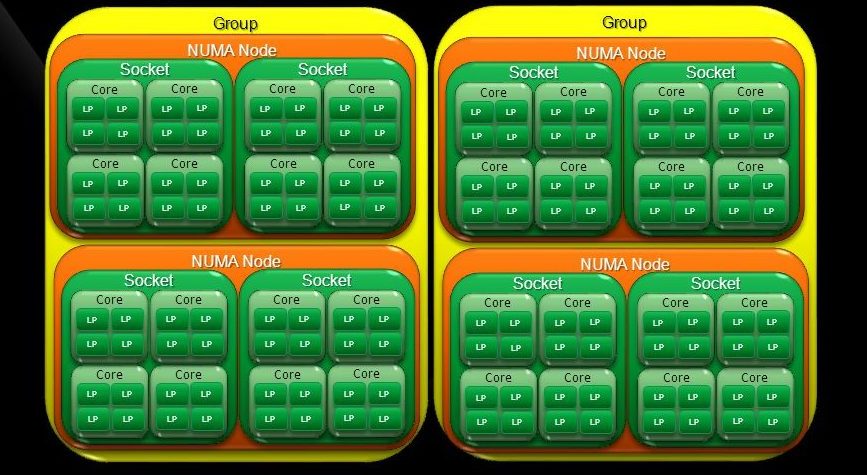
TL;DR – Microsoft hacked in support for more than 64 logical CPU cores by adding ‘processor groups’. Unless an application is written to take advantage of multiple processor groups (group aware), its threads will be scheduled to only a single processor group. See our new groupextend project to enable group unaware apps to make full use […]
Read more
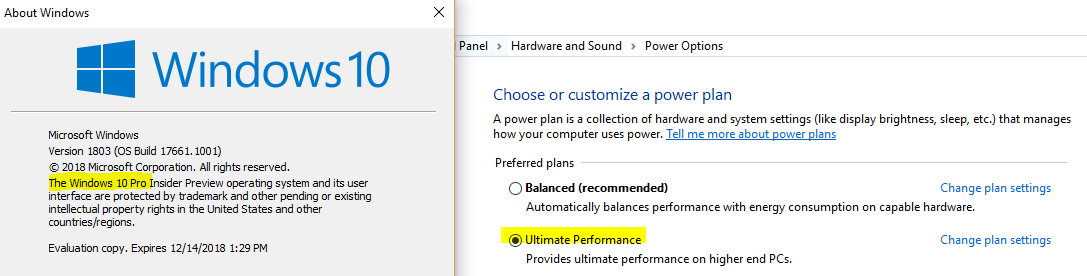
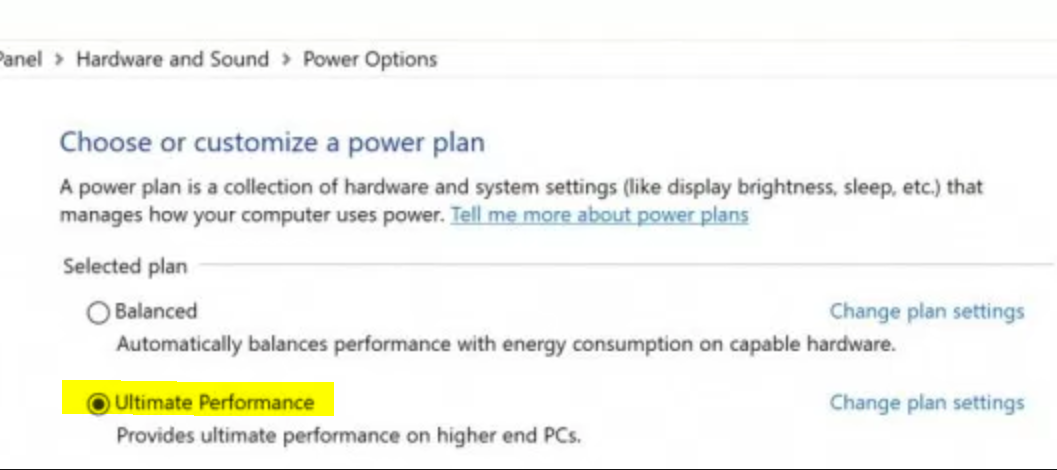
>> Download Ultimate Performance Installer (v0.0.1.0) Microsoft announced the Ultimate Performance power plan to be part of Windows 10 for Workstations at version 1803 and above. This new plan disables core parking and CPU frequency scaling on AC power – just like our years old Bitsum Highest Performance power plan. For those that want the original Ultimate […]
Read more
The latest Windows 10 for Workstations build features a new ‘Ultimate Performance‘ power plan to deal with potential micro-latencies. Sound familiar? Yes, here at Bitsum we’ve had the ‘Bitsum Highest Performance‘ power plan for years. It seems somebody important finally caught on. While I have mixed feelings any time Microsoft starts to encroach, I do […]
Read more
Summary: Setting up Process Lasso is straightforward. Once installed, the ProBalance algorithm automatically starts enhancing system responsiveness during heavy loads. It’s uncommon for users to need to exclude processes from ProBalance because the algorithm is 1) very conservative and 2) typically does not slow down processes it affects unless there is significant CPU contention. However, […]
Read more
Virtual memory ‘trimmers’ or RAM ‘cleaners’, whatever you want to call them, they’ve been a staple in the industry since the days of NT4. Almost all of these apps are best avoided! Most operate on the incorrect premise that you want more ‘free’ RAM. In fact, RAM should be as occupied as possible with commonly […]
Read more
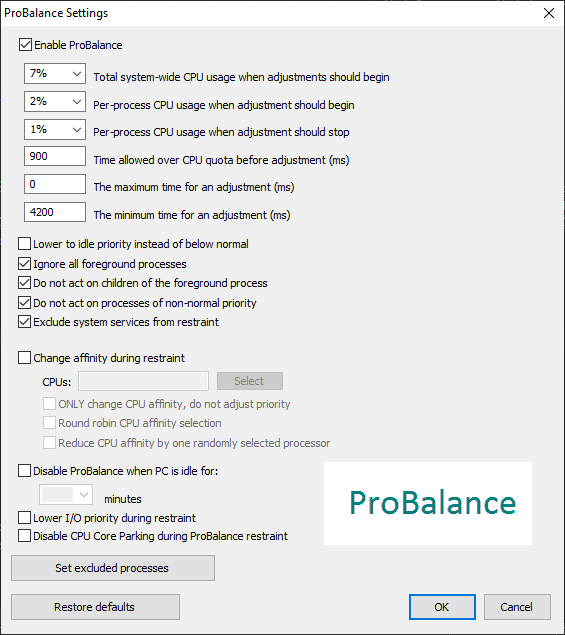
Please do not forget to check the ProBalance Options. I designed it to be as safe and conservative as possible, thus for some multimedia users you may need to uncheck the following: Ignore the foreground process Do not act on processes of non-normal priority These may inhibit the full might of ProBalance coming down on […]
Read more
How do I tweak my PC for maximum performance? Today I will attempt to give a single answer so I’m not repeating myself so often. FIRST, you need to install Process Lasso or CPUBalance. Why either/or? Well, both provide the ProBalance algorithm that keeps background processes at-bay. Forget all other tweaking for the moment. You WANT […]
Read more
I am a little annoyed by SEO today. A lesser quality app than ParkControl and incorrect guidance are found in search results. They bring the user to a tool that does a brute-force search of the registry to change the applicable CPU power subsystem options, and then often mandate a reboot afterwards. Any site with fake ‘download […]
Read more