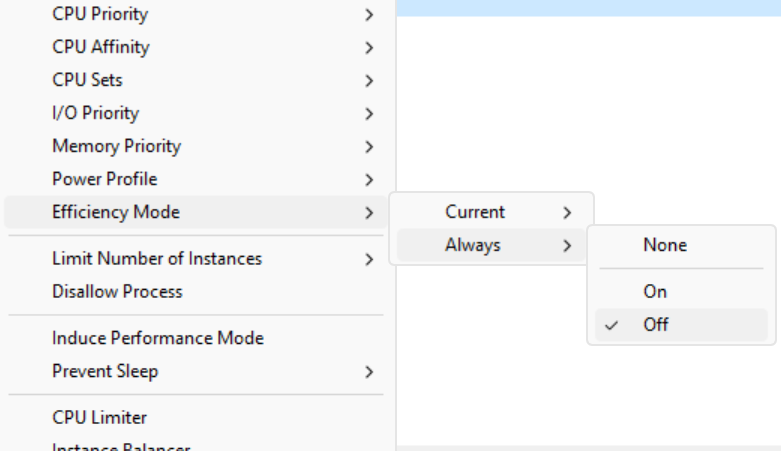
Efficiency mode in process context menu

How To Keep Processes Off E-Cores

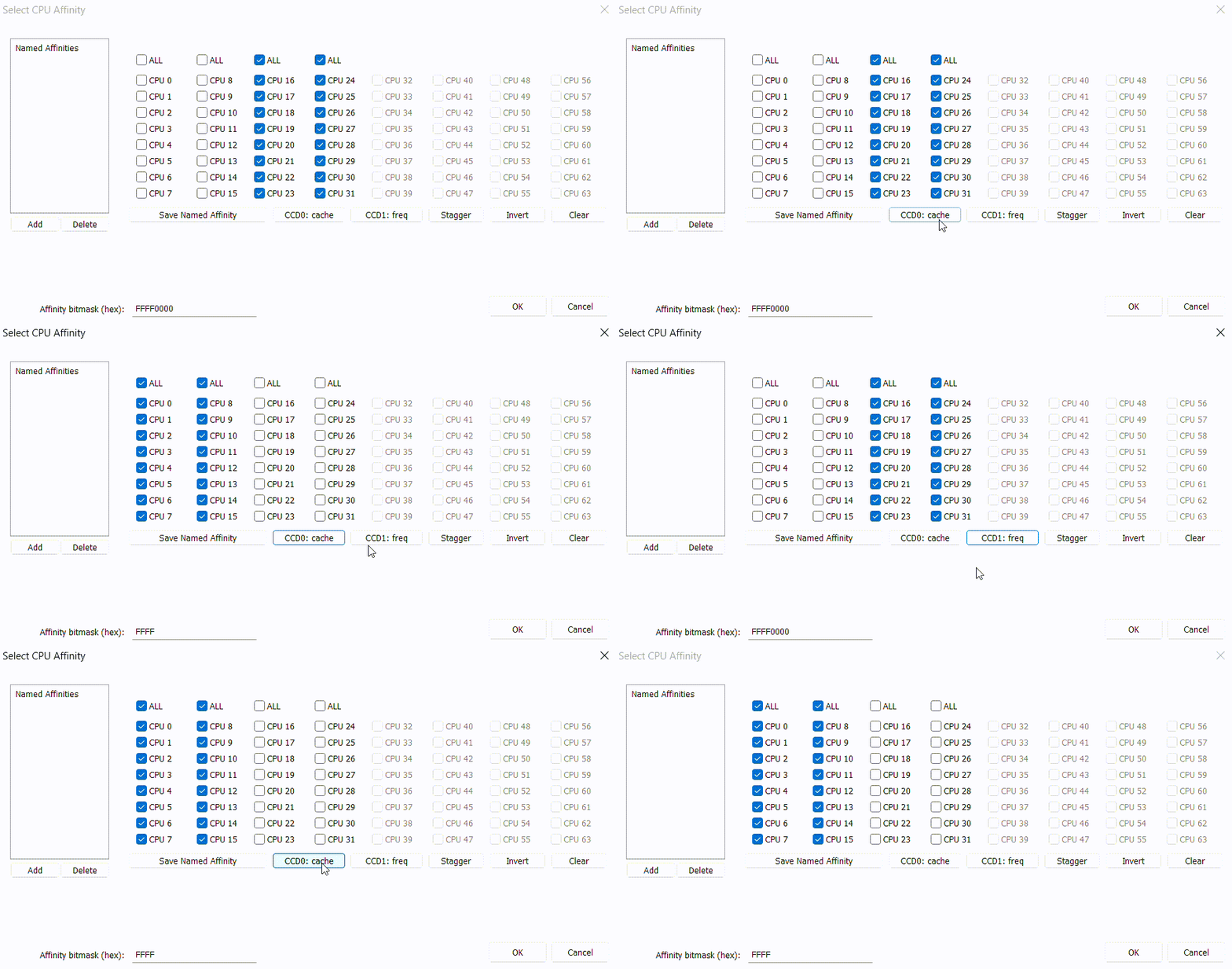
A common complaint with heterogenous CPUs such as Intel 12th+ generation is that sometimes threads will be inappropriately scheduled onto the efficient (E) cores. There are a number of ways to discourage or entirely prevent this behavior, and in this guide we’ll go through a few of them.

Read more

Process Lasso 12.4 – E-Core Icons and More

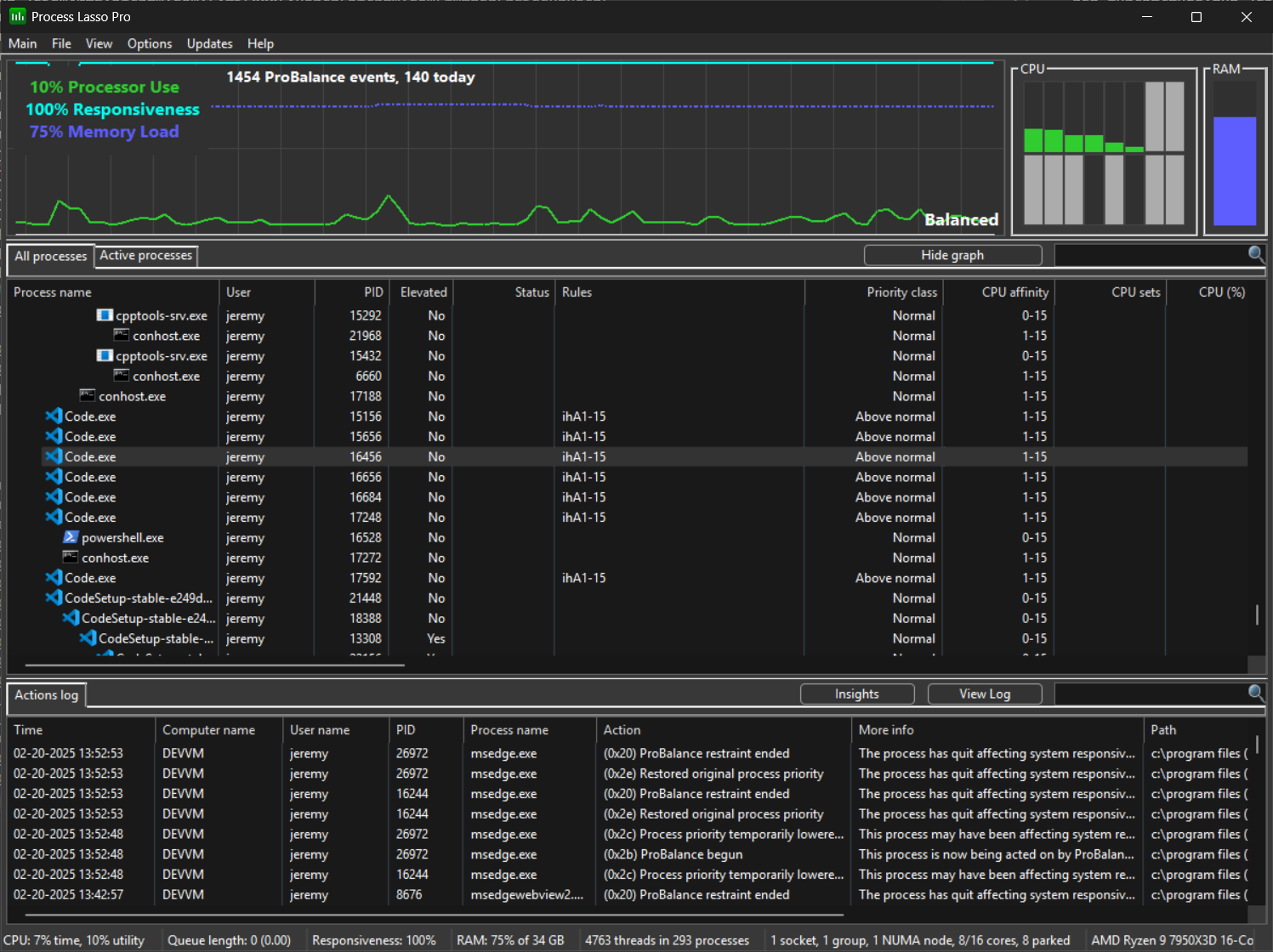
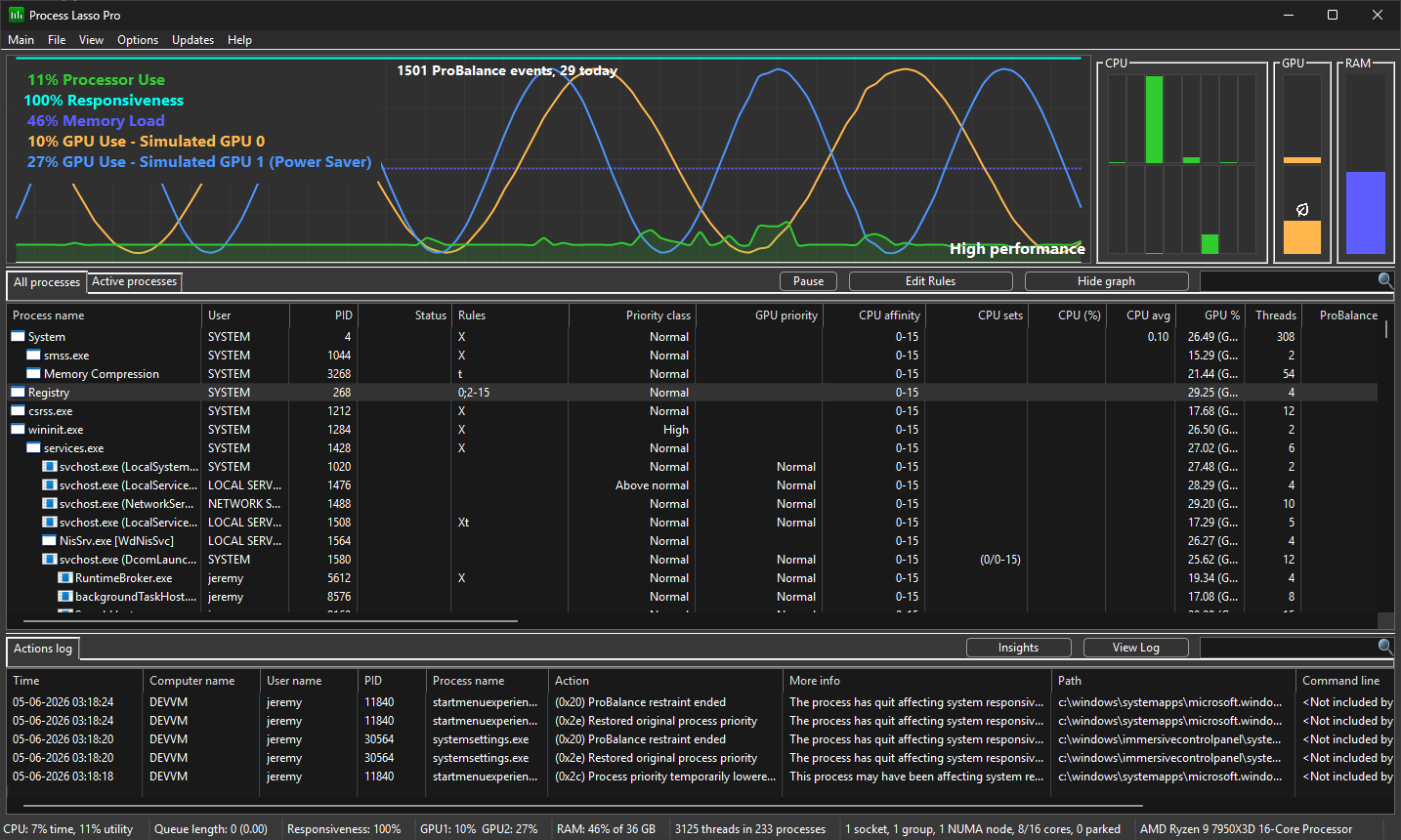
Process Lasso v12.4 adds leaf (eco) icons to distinguish the E-cores, delayed CPU affinity rules, and more! We’ve also updated our ParkControl app with new heterogenous scheduling settings, and tuned the Bitsum Highest Performance power plan to prefer P-cores. All this is part of our continuing mission to empower users to run apps their way!

Read more
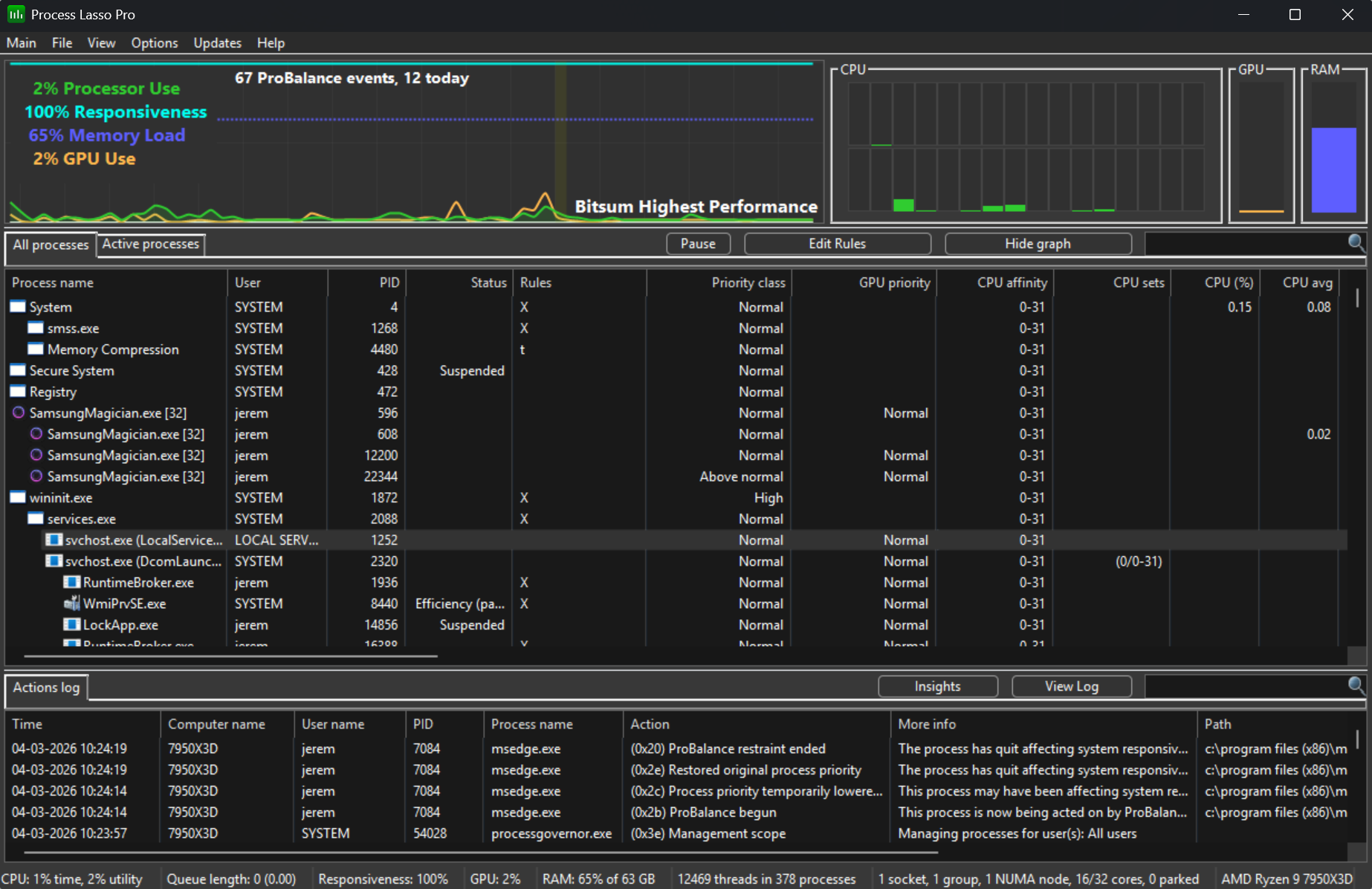
Efficiency mode status column and rule symbol

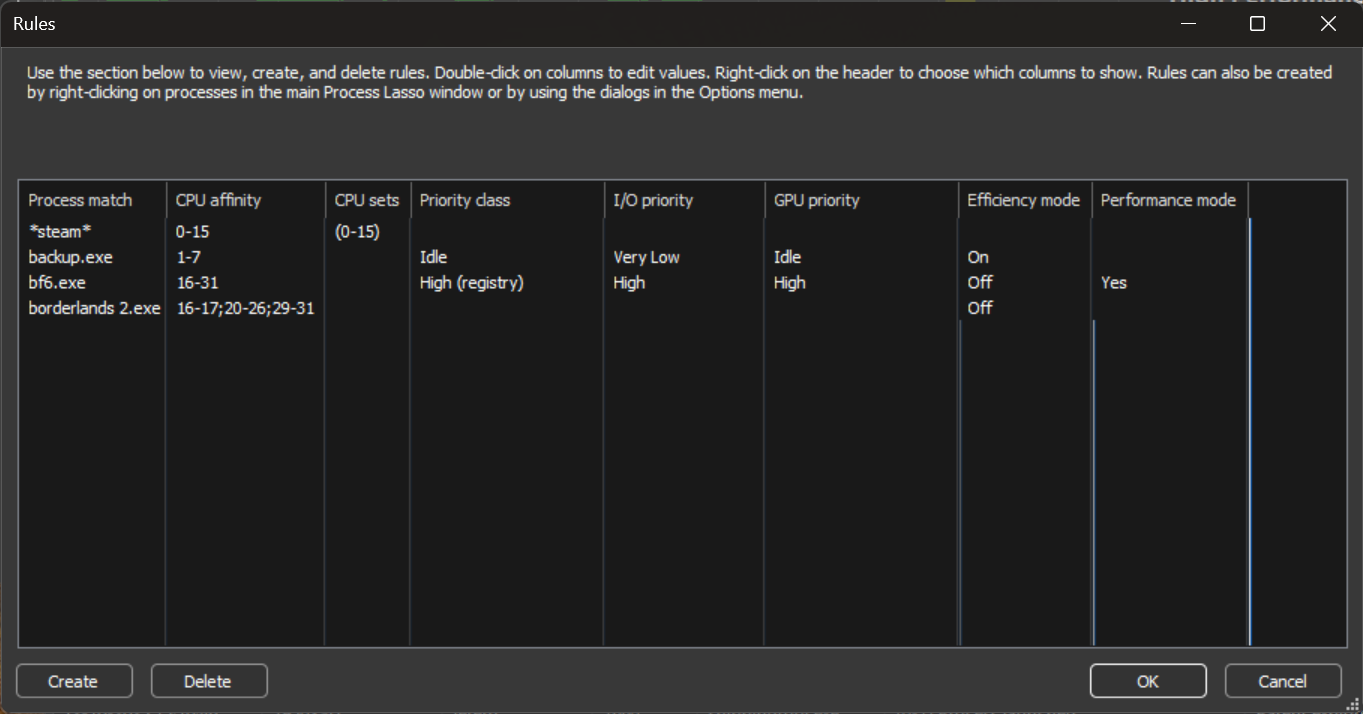
Process Lasso 12.3 – Efficiency Mode Rules

Process Lasso v12.3 adds support for Efficiency Mode, which is the way Windows classifies processes as not performance critical. This facilitates more optimal thread scheduling, such as to efficient (E) and performant (P) cores. Using Process Lasso, this setting can be automatically turned ON or OFF every time a process is run, directing the process to, or away from, E-cores and P-cores.

Read more