
Process Lasso v18.1 – Multiple GPU Support
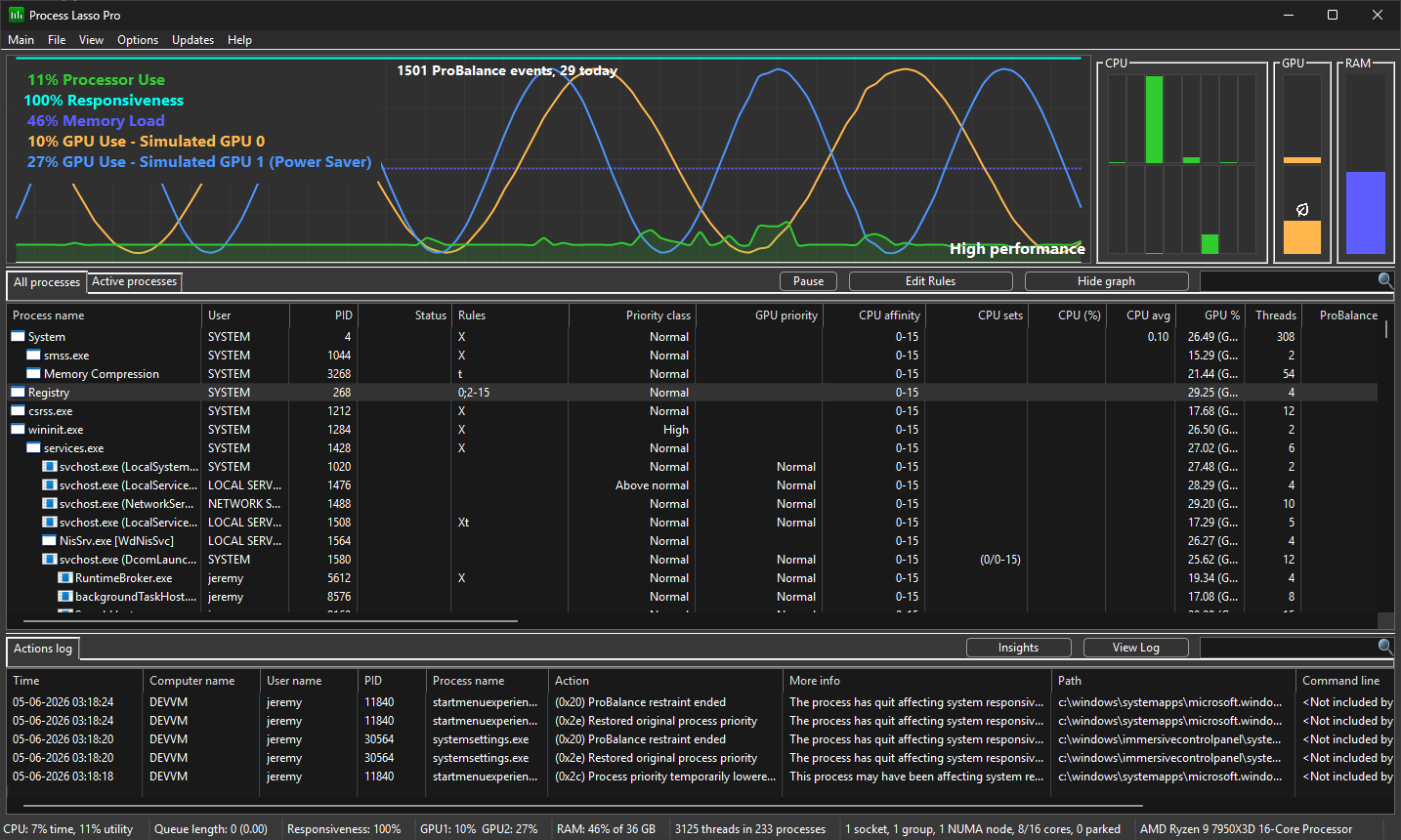
Process Lasso v18.1 builds on the last release, adding multi-GPU display support and per-process GPU preferences.
The GPU widget now shows all of your GPUs. In some cases, one will have an eco-leaf icon placed on it, indicating that it is the adapter the system has designated as the “Power Saver” GPU for per-process GPU preferences. More on that later.
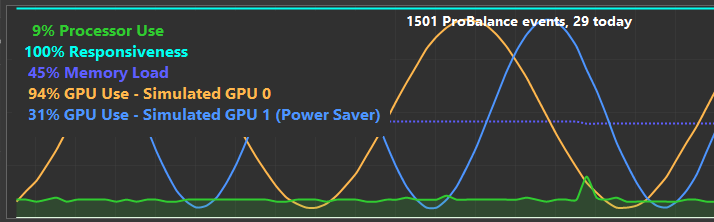
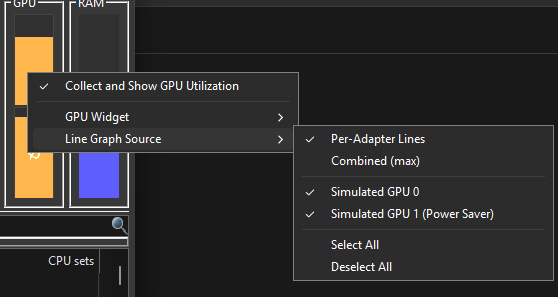
The line graph can now display either a single consolidated line (the default) or individual lines for each GPU. You can change the view setting using the new right-click context menus on the graph or GPU widget.

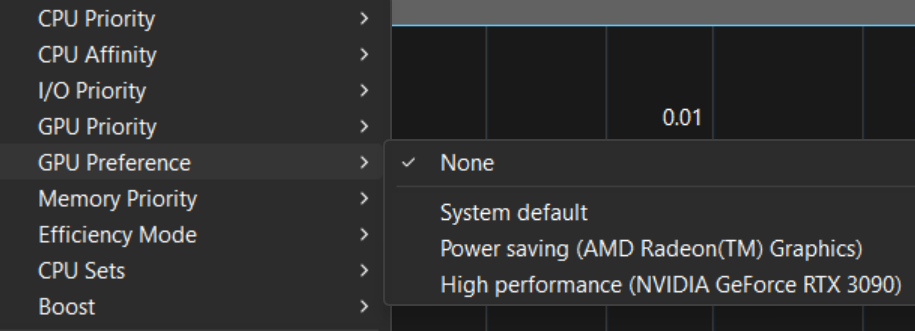
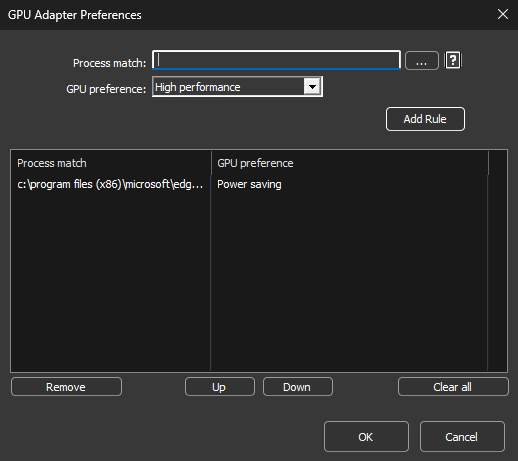
As for GPU preferences, we’ve added a new rule type. It maps to the same system setting and is registry-backed. It’s only a hint to the application (so it can be ignored), and it won’t take effect until the process is restarted. Full and specific pathnames must be used — no wildcards.
Enjoy!
Discover more from Bitsum
Subscribe to get the latest posts sent to your email.