
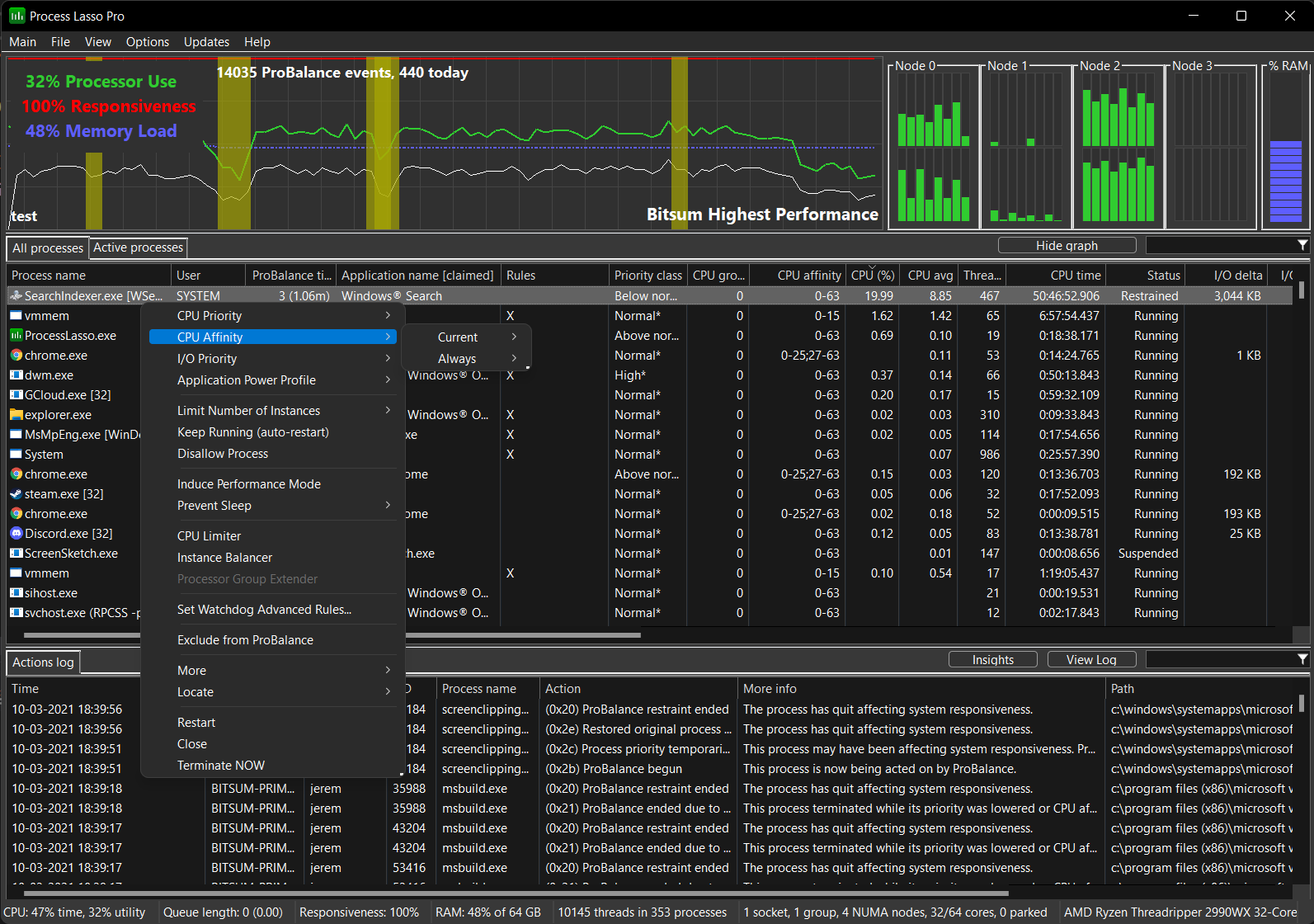
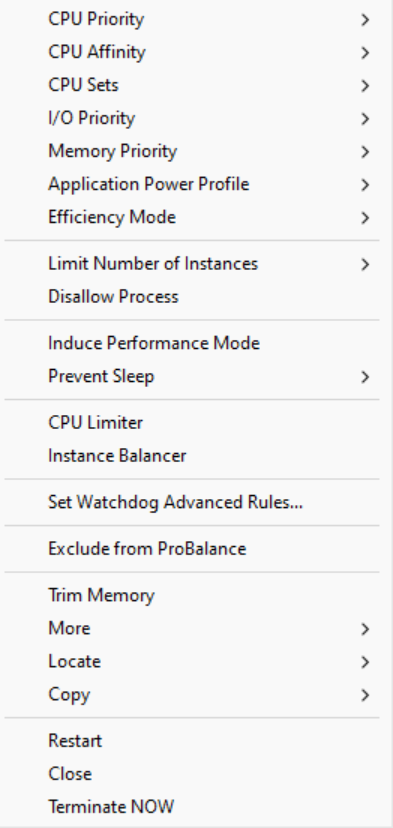
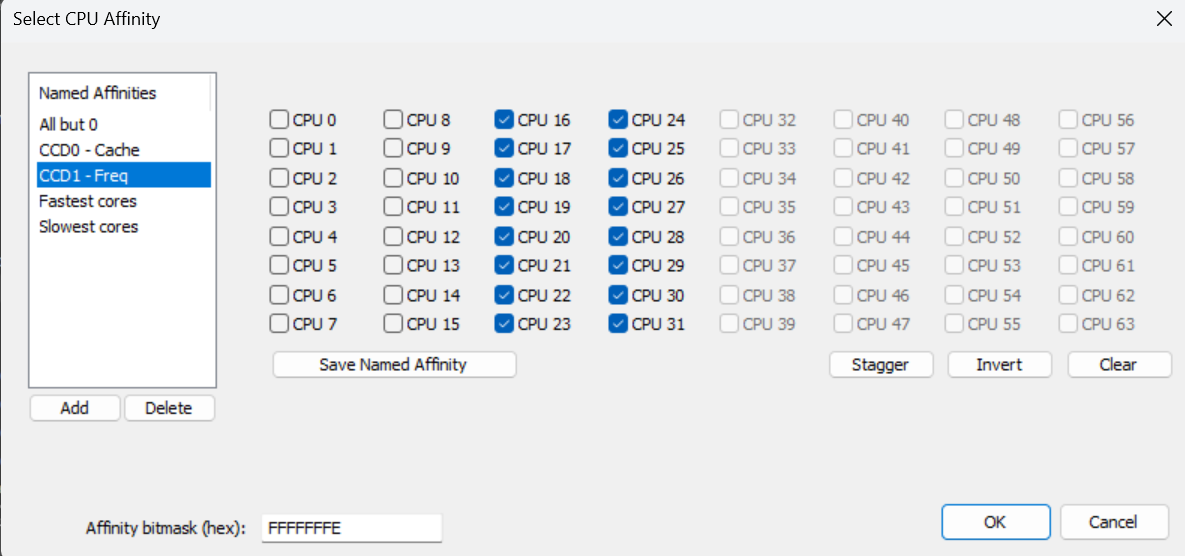
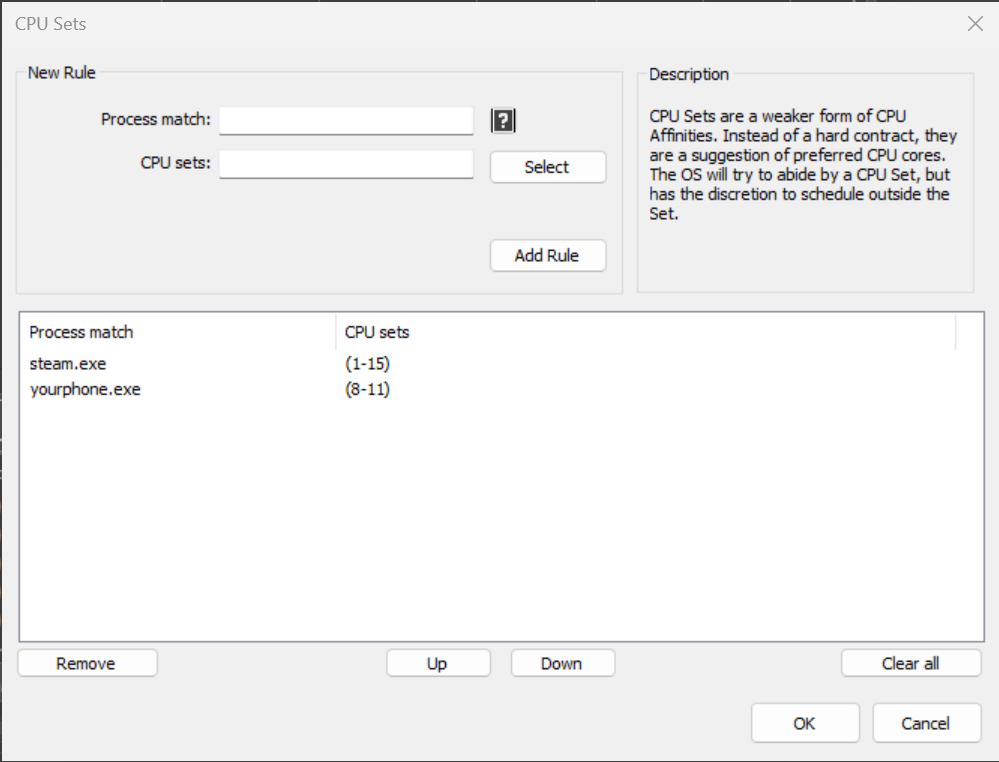
More Screenshots | Questions? Contact Us
Compatible with Windows Server 2012, 2012R2, 2016, 2019, and 2022
There are several features of Process Lasso that can limit or mitigate the effects of high CPU use on Windows Servers.
Process Lasso Server Edition has a 30-day free trial, so give it a try!
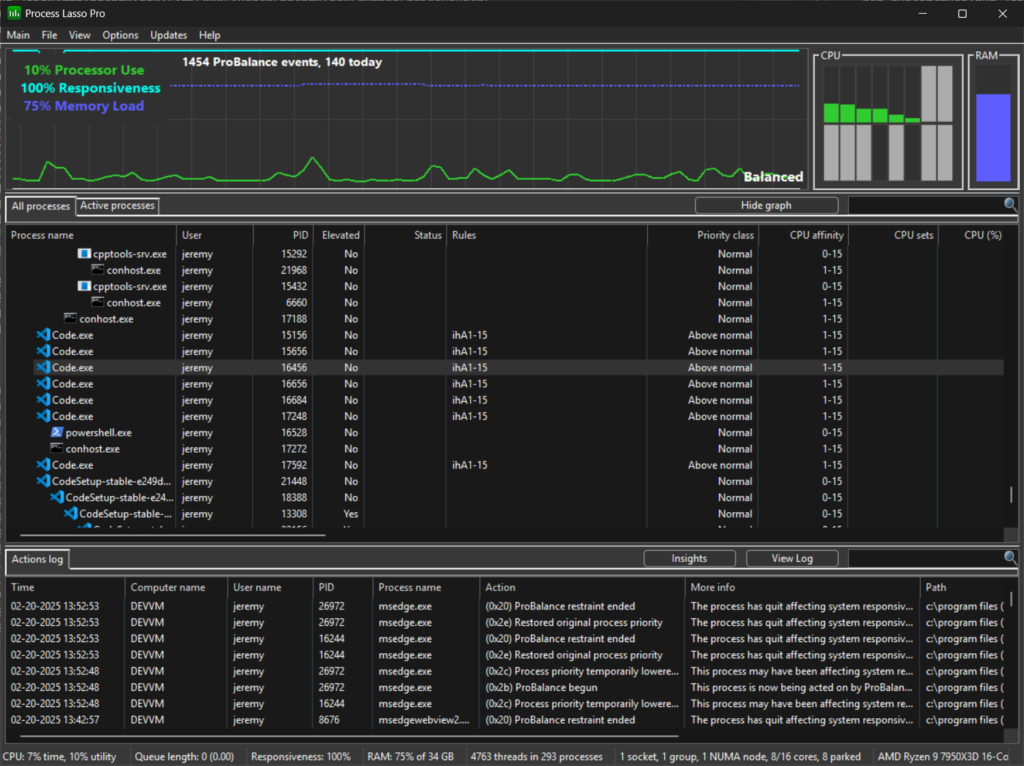
Process Lasso is Windows process automation and optimization software. From tuning algorithms like ProBalance to user-created rules and persistent settings such as CPU affinities and priority classes, Process Lasso gives you complete control over running applications!
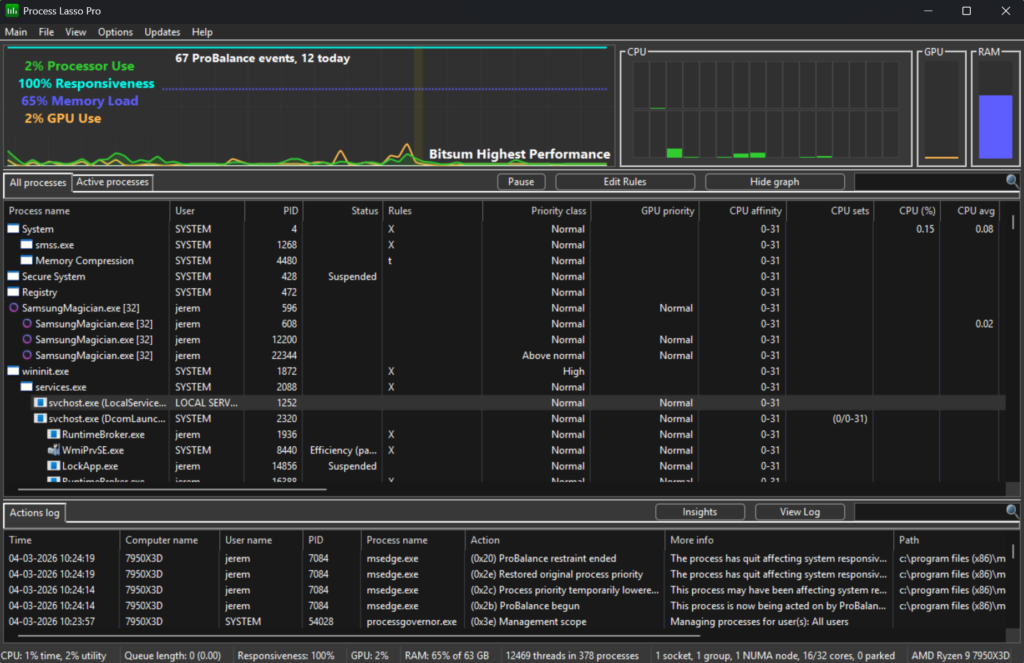
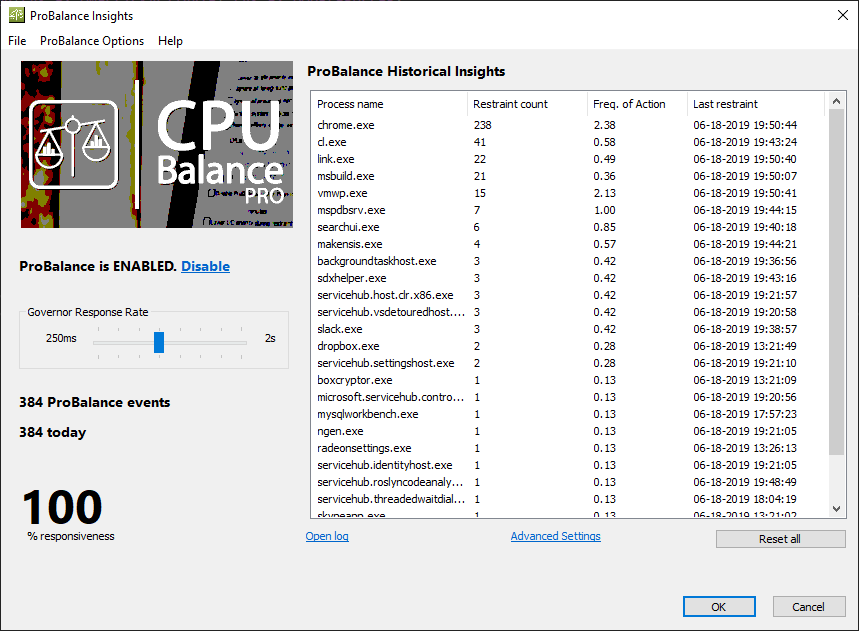
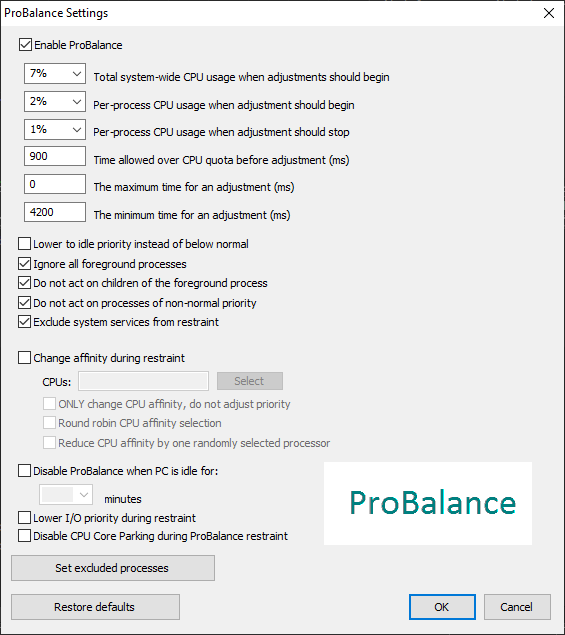
Our novel ProBalance algorithm helps maintain system responsiveness during high CPU loads by dynamically adjusting the priorities of running programs to keep problematic background processes in check. With ProBalance, no longer will single, or multiple, processes be able to bring your system to a virtual stall. Process Lasso will let you keep interacting with your computer, even when it is under a heavy CPU load. Try our CPUEater Demo to experience ProBalance for yourself.
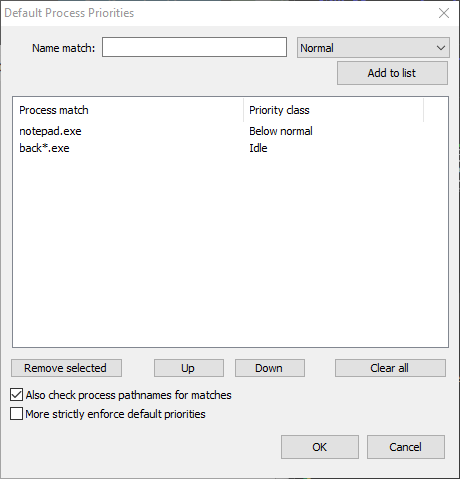
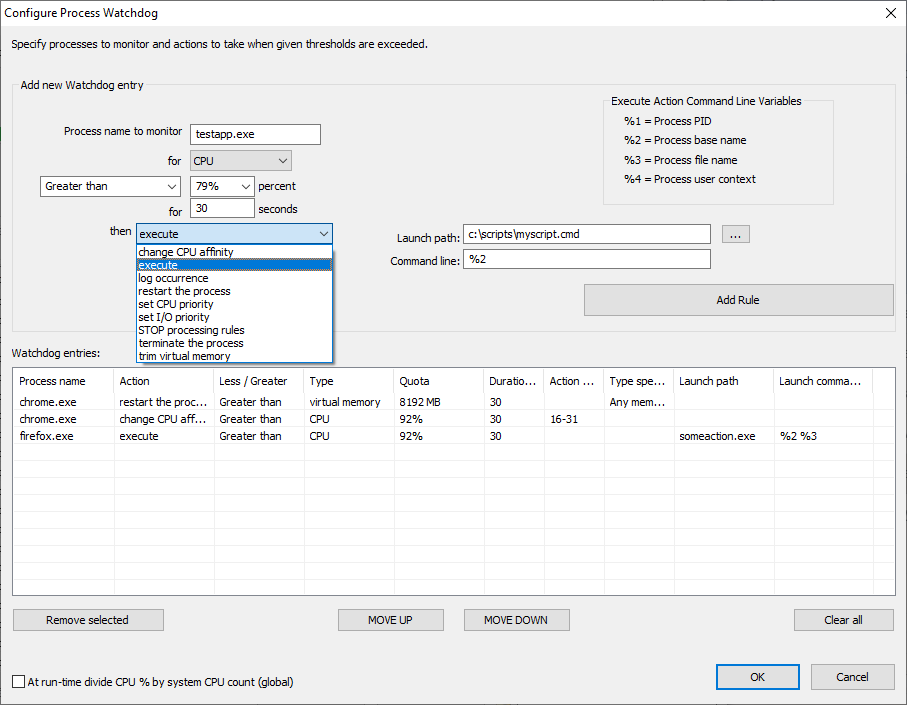
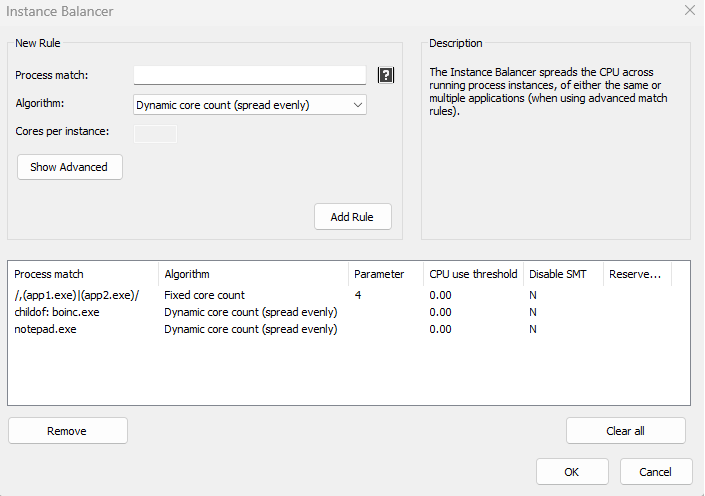
Process Lasso also allows users to automate and tweak how applications are run through a number of unique and helpful functions. These include persistent priority classes, persistent CPU affinities, disallowed processes, per-process power profiles, a process watchdog for advanced rules, process instance count limits, multiple instance balancing and much more!
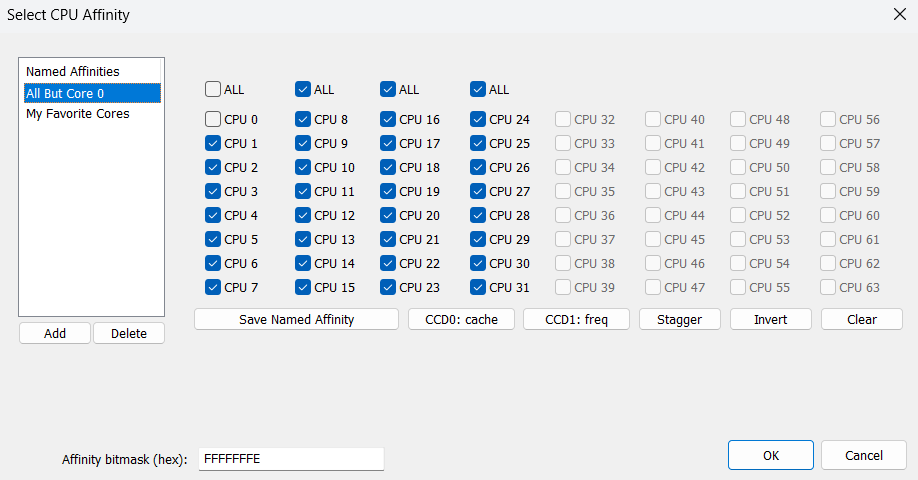
Process Lasso is the ultimate Windows CPU affinity changer. The CPU affinity specifies the set of CPU cores an application is able to execute on. With Process Lasso, you can control this with a persistent setting that applies every time the application is run, or change it dynamically while the application is running once a threshold is met. The CPU affinity is commonly changed to limit CPU use or improve performance.
Many additional functions such as power plan automation, a system responsiveness metric and process activity logging are also available.
These features give you the ability to control how programs utilize your computer’s resources based on automatically applied settings. With Process Lasso, you can decide exactly how you want your processes to run.
For minimal resource use, all algorithms and process rules are enforced by a stand-alone background service called the Process Governor. The GUI is entirely optional.
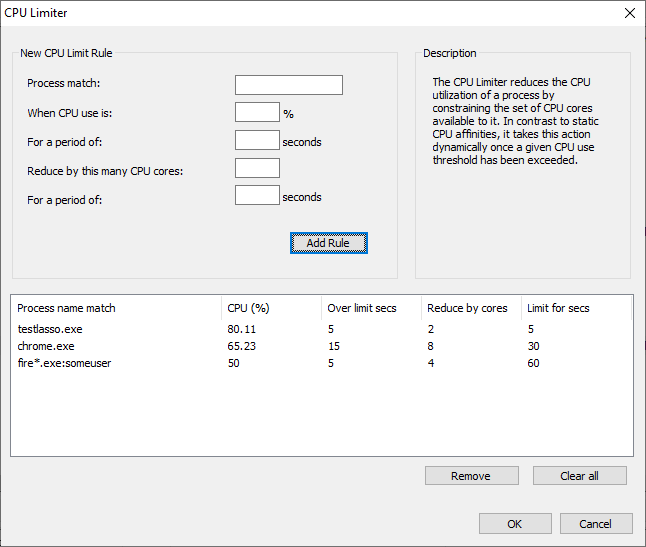
Process Lasso offers several compelling automation and control features for system administrators. Rules can be created to take full control of how applications are run on the server, enforcing settings and limits of various types, including CPU affinities. With algorithms like our CPU Limiter, administrators can prevent users or applications from monopolizing server resources and degrading the responsiveness of other sessions.
Best of all, Process Lasso has an independent core engine called the Process Governor. It can be configured to run as a service and is responsible for applying process rules and algorithms. The Process Lasso GUI that hosts the system tray icon is entirely optional.
Since server administrators need to evaluate the full capabilities of the product, we offer a trial edition of Process Lasso Server Edition. It includes all features of the software, but will expire after 30 days. If you have any questions, please contact us!
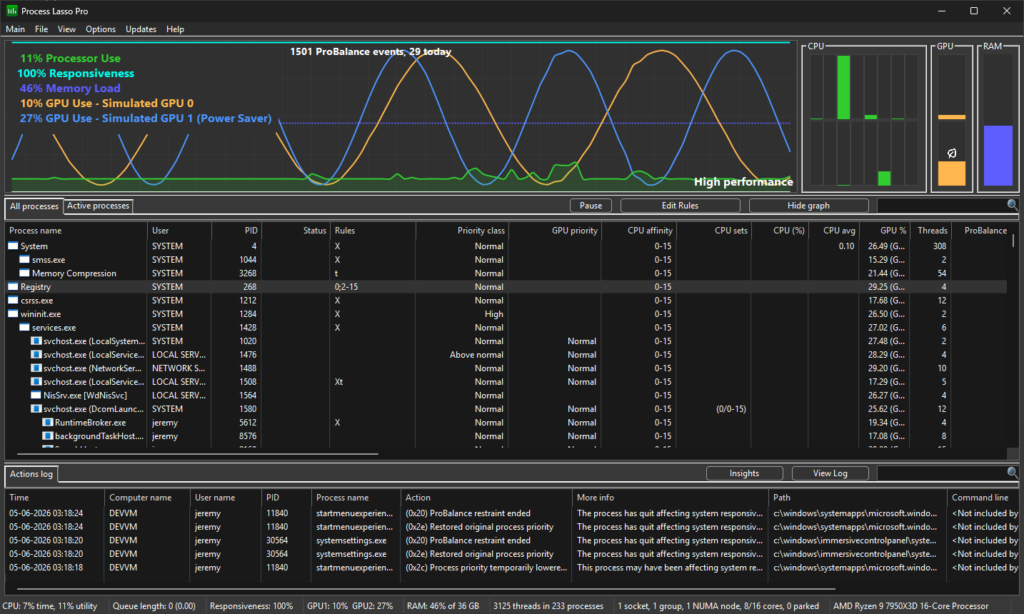
Process Lasso v18.1 introduces multi-GPU display support and allows per-process GPU preferences, featuring a GPU widget that highlights the designated “Power Saver” GPU. The updated line graph displays options for consolidated or individual GPU views. A new registry-backed rule type for GPU preferences is now available, requiring process restarts for implementation.
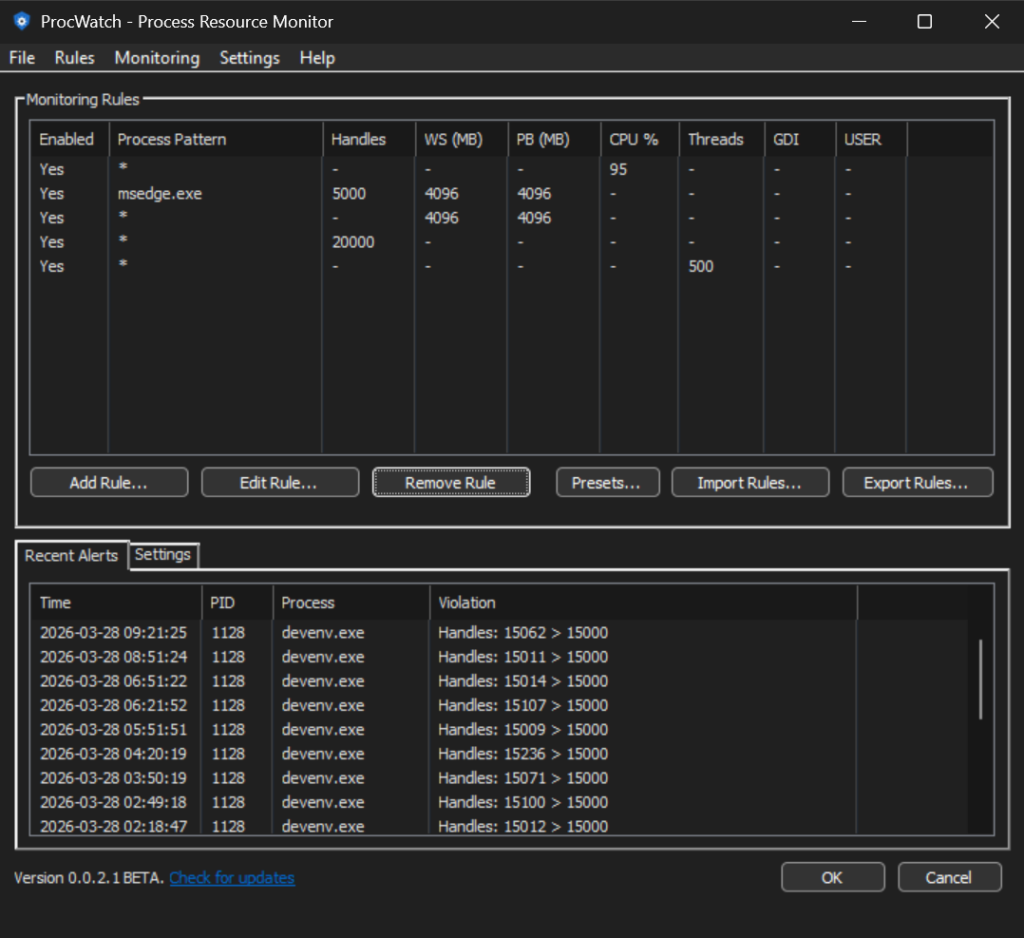
ProcWatch is a free and lightweight utility to alert you to resource hogs on your PC. We’ve had this capability silently built into Process Lasso for a while now, active only in beta versions for our internal use. During that time, we started to occasionally detect abnormal usage from some system and third-party processes, such […]
Version 18 of Process Lasso adds GPU metrics, improves the graph aesthetics, refactors the ThreadRacer tool, and boosts the performance of rules that use complex Regular Expressions. We’ve worked hard on it and hope you enjoy! First, we’ve added GPU utilization metrics to the main graph, process lists, status bar, and inserted a dedicated widget […]
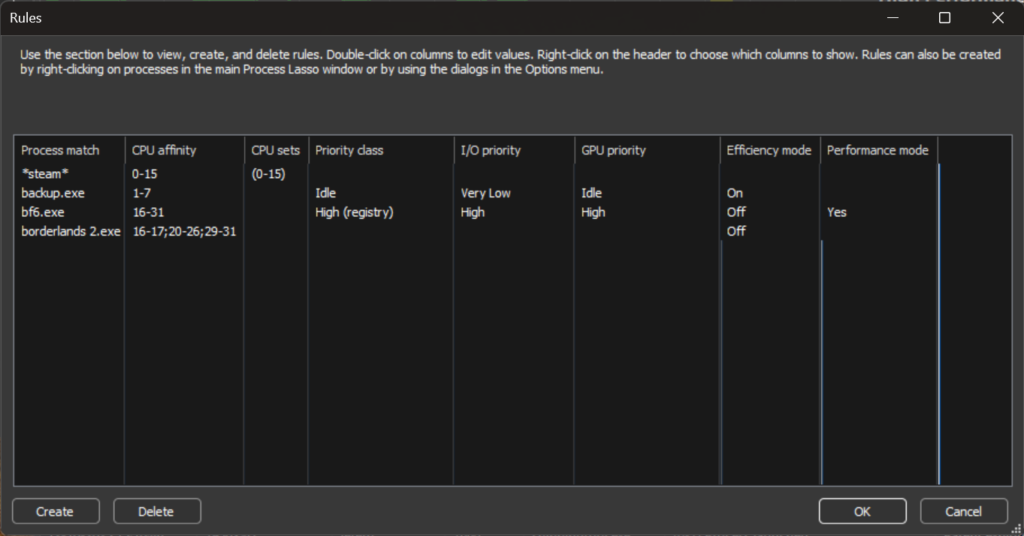
This is a big one! Process Lasso v17 adds a consolidated rules view and a process/game selection dialog. Now you can view and edit most of your process rules from a central location. This release also adds dark mode support to most supplemental dialogs, providing a more consistent user interface experience.
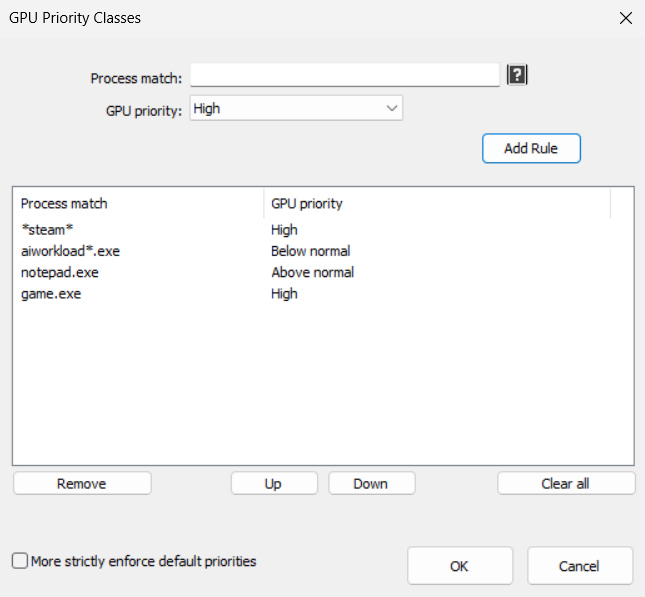
Process Lasso v16 introduces GPU priorities and brings improvements to the Foreground Boost feature, which we’ve now made free!
This release of Process Lasso introduces the ability to selectively import and export process rules in JSON format, among other enhancements. This makes it easier to share rules between users or back up your own process rules.
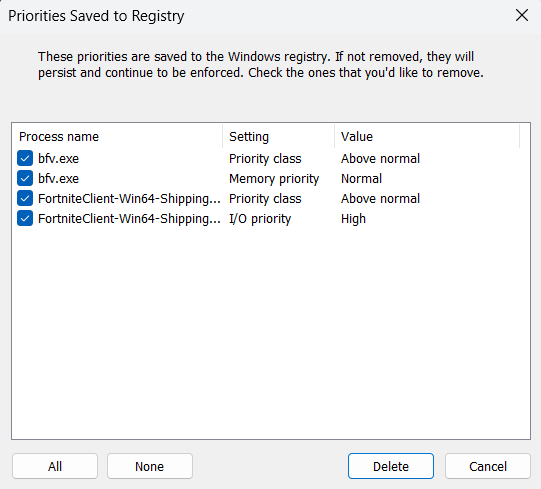
This exciting release of Process Lasso introduces Windows registry-enforced priorities! These enable priorities to be set on inaccessible processes, such as those protected by anti-cheat systems.
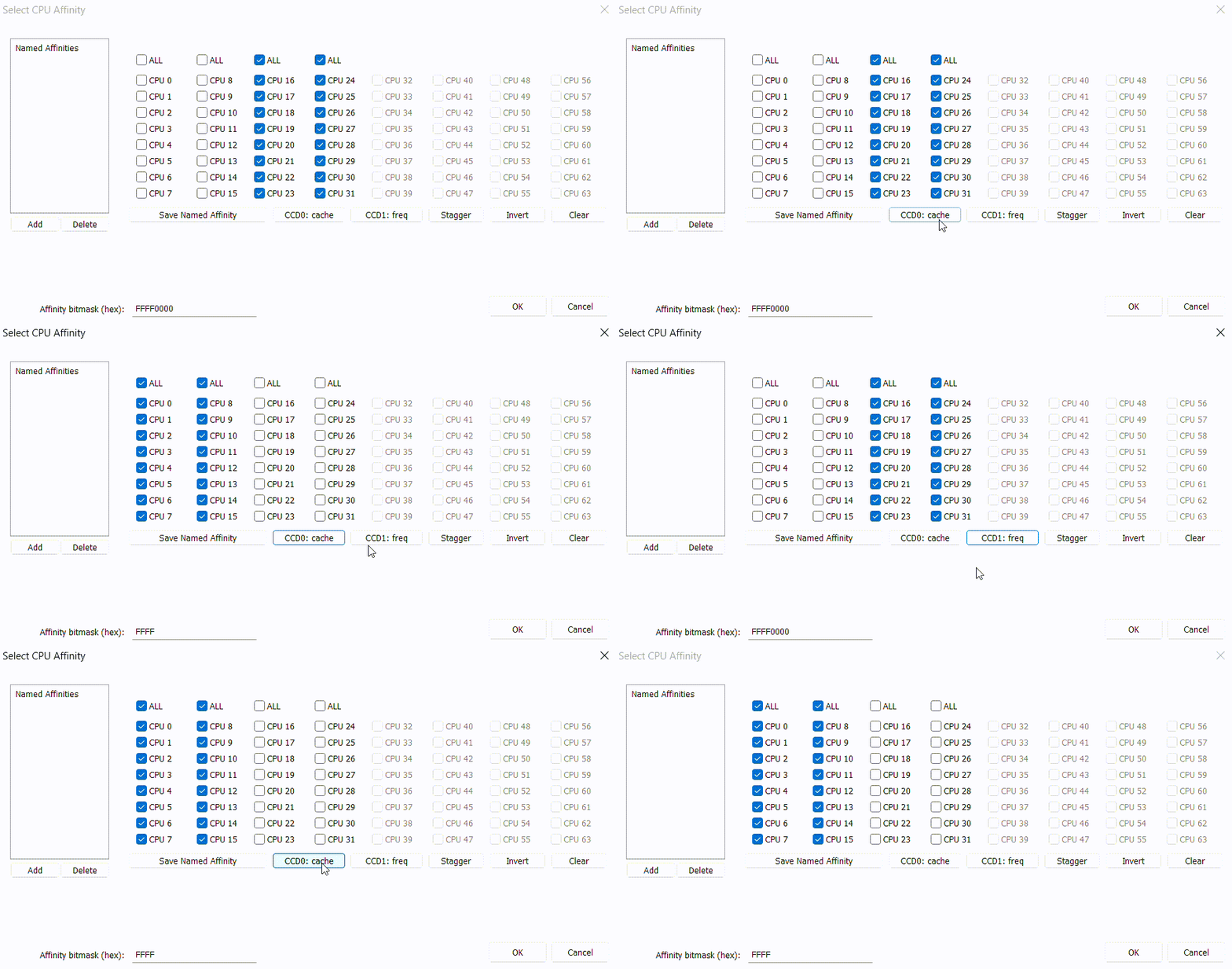
Process Lasso v14.2 enhances core selection in the CPU Affinity and CPU Sets dialogs with new controls for selecting specific CCDs on AMD processors, among other improvements.
Process Lasso v14 introduces named CPU affinities! These make it easier to reuse common CPU affinities, such as a particular CCD or your fastest cores. No longer will users have to manually select CPU cores every time they assign an affinity!
A common complaint with heterogenous CPUs such as Intel 12th+ generation is that sometimes threads will be inappropriately scheduled onto the efficient (E) cores. There are a number of ways to discourage or entirely prevent this behavior, and in this guide we’ll go through a few of them.
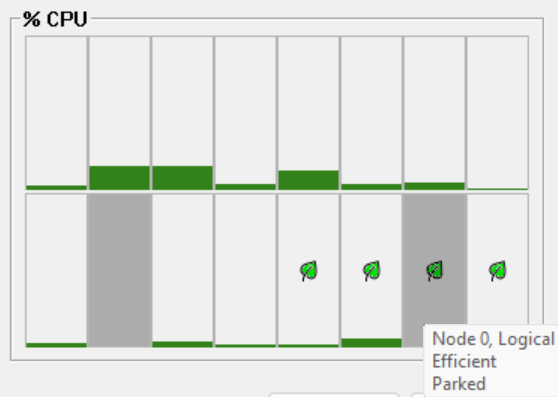
Process Lasso v12.4 adds leaf (eco) icons to distinguish the E-cores, delayed CPU affinity rules, and more! We’ve also updated our ParkControl app with new heterogenous scheduling settings, and tuned the Bitsum Highest Performance power plan to prefer P-cores. All this is part of our continuing mission to empower users to run apps their way!
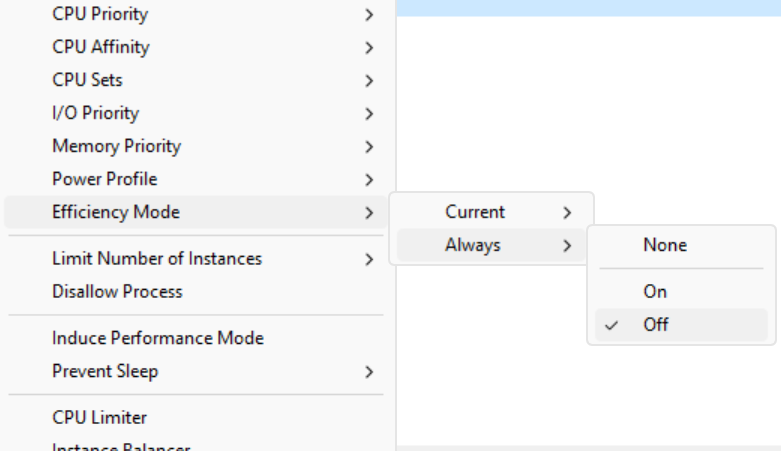
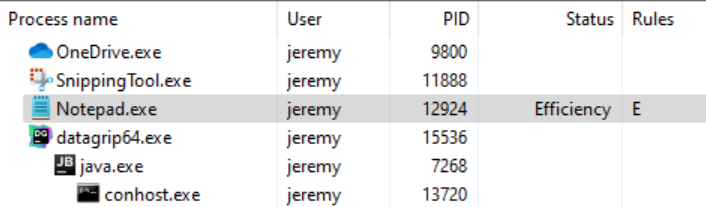
Process Lasso v12.3 adds support for Efficiency Mode, which is the way Windows classifies processes as not performance critical. This facilitates more optimal thread scheduling, such as to efficient (E) and performant (P) cores. Using Process Lasso, this setting can be automatically turned ON or OFF every time a process is run, directing the process to, or away from, E-cores and P-cores.
Process Lasso is available in English, German, Russian, Slovenian, Spanish, Polish, Finnish, PT-BR, Japanese, and Chinese (Simplified and Traditional).