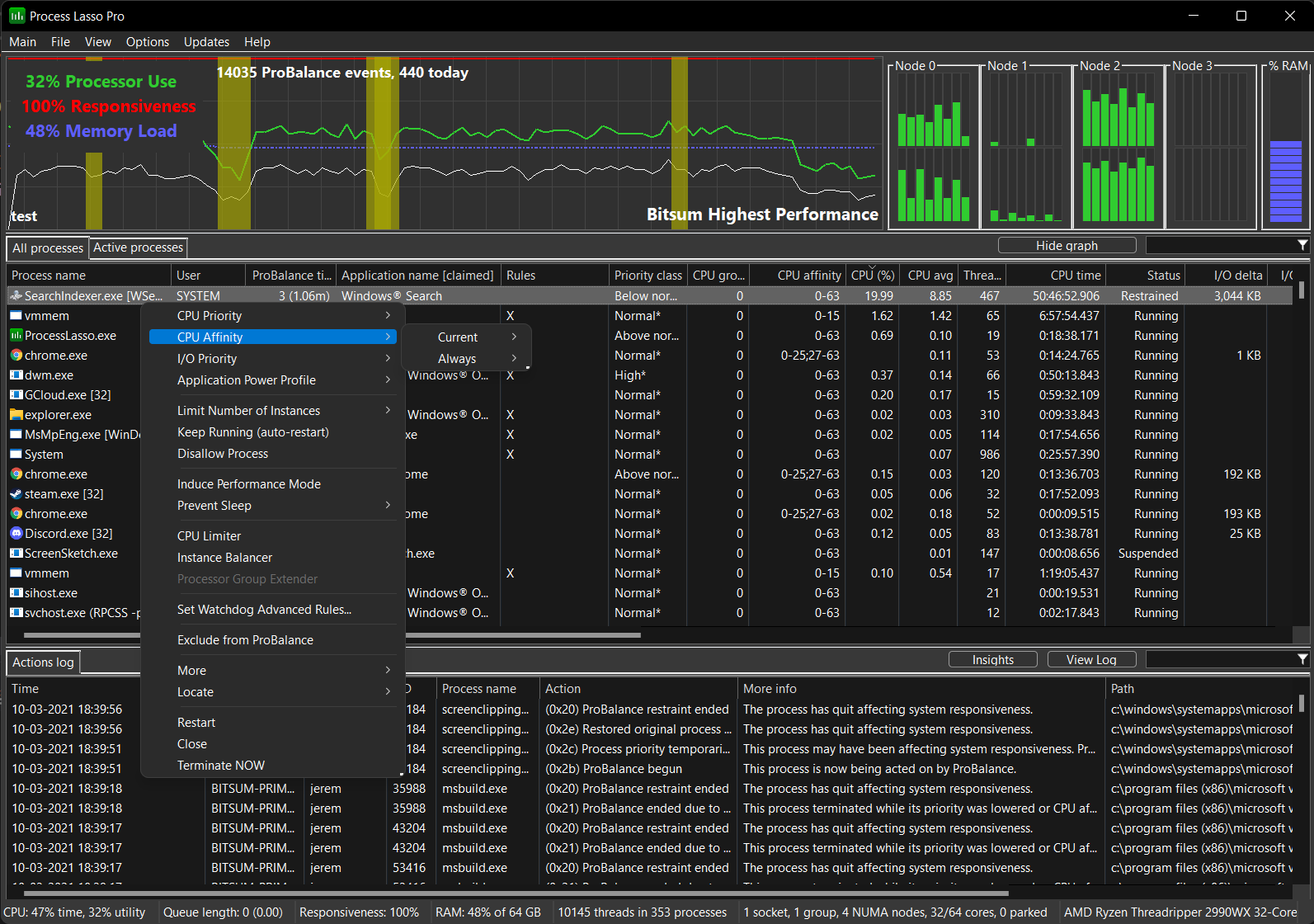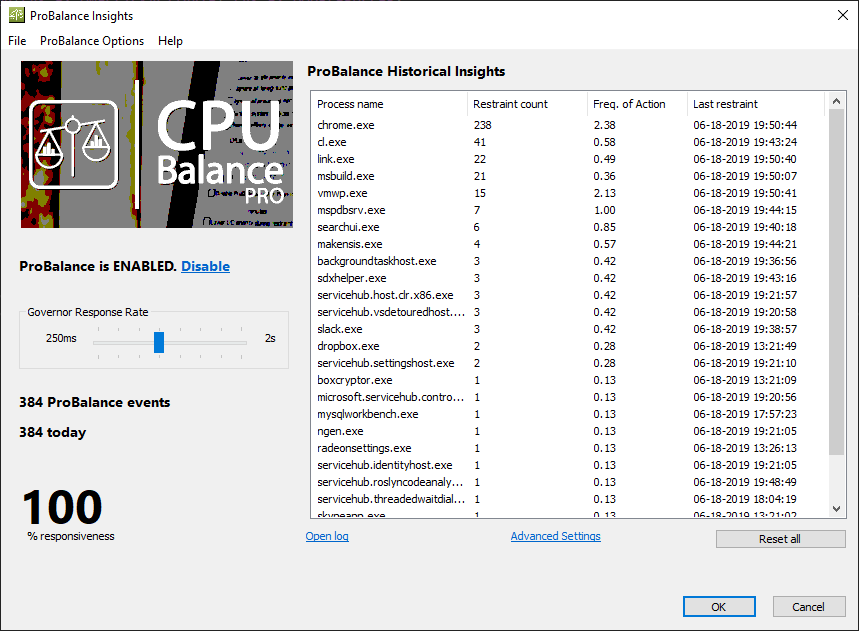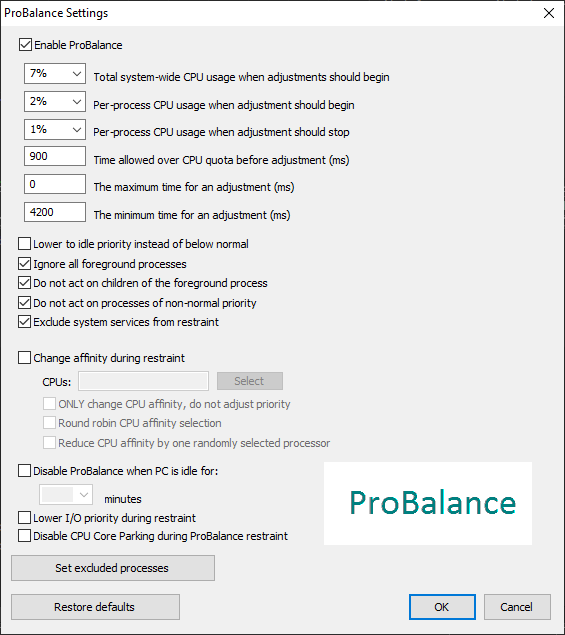
Our novel ProBalance algorithm helps maintain system responsiveness during high CPU loads by dynamically adjusting the priorities of running programs to keep problematic background processes in check. With ProBalance, no longer will single, or multiple, processes be able to bring your system to a virtual stall. Process Lasso will let you keep interacting with your computer, even when it is under a heavy CPU load. Try our CPUEater Demo to experience ProBalance for yourself.
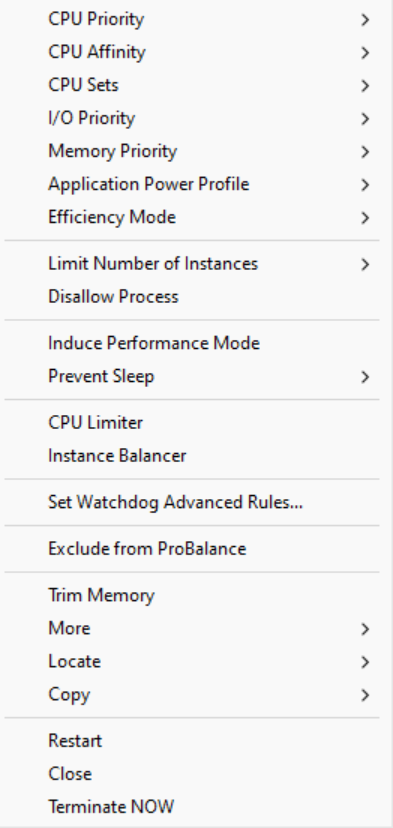
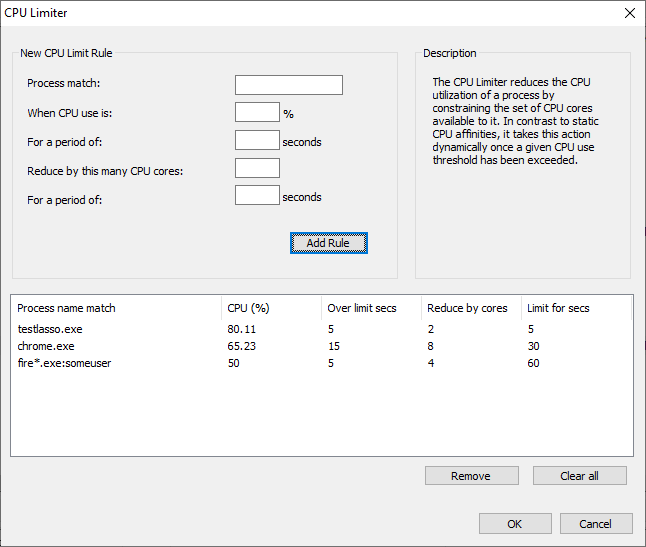
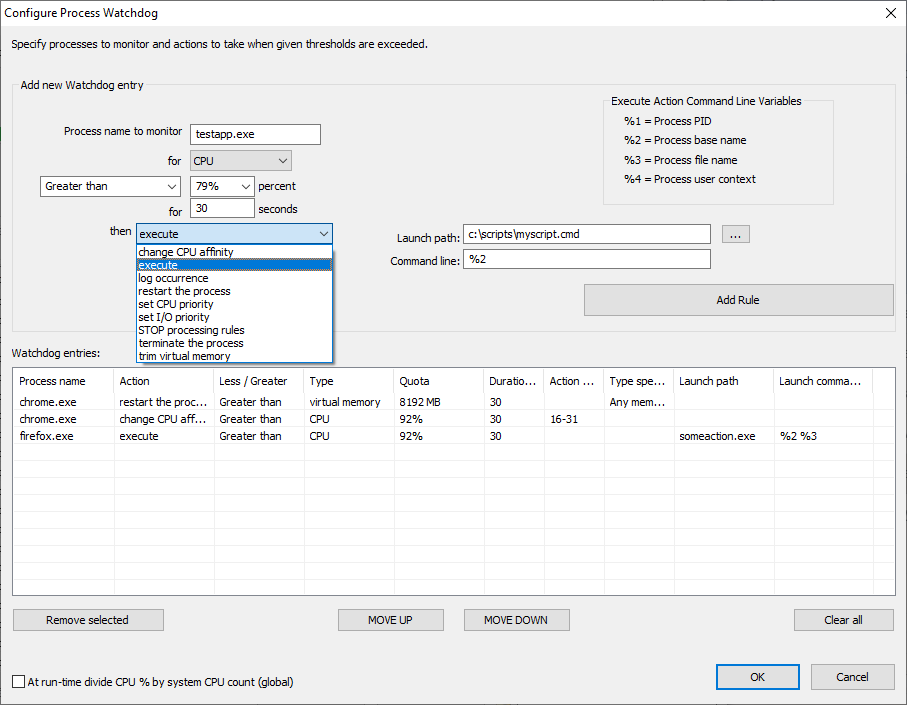
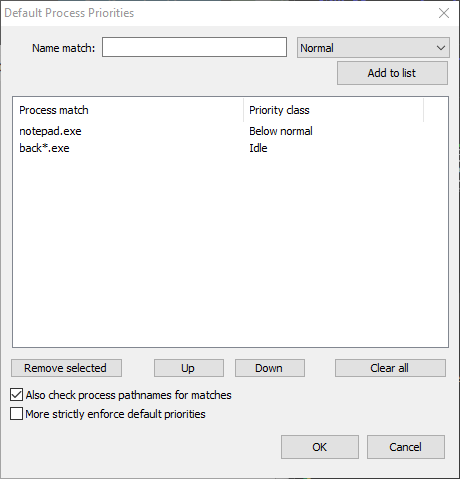
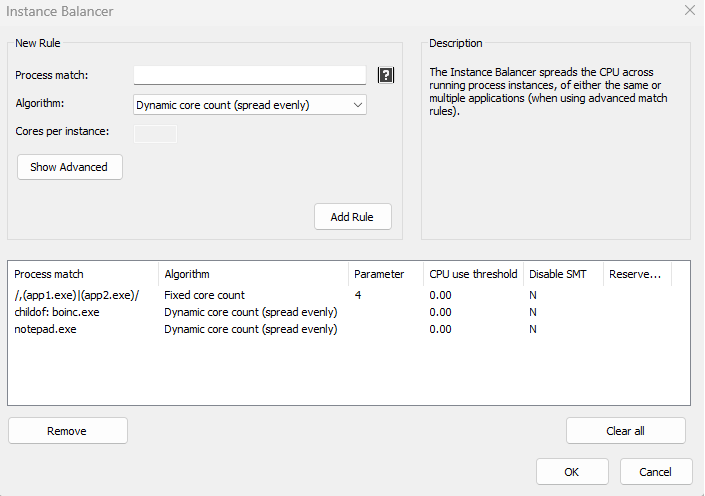
Process Lasso also allows users to automate and tweak how applications are run through a number of unique and helpful functions. These include persistent priority classes, persistent CPU affinities, disallowed processes, per-process power profiles, a process watchdog for advanced rules, process instance count limits, multiple instance balancing and much more!
Process Lasso is the ultimate Windows CPU affinity changer. The CPU affinity specifies the set of CPU cores an application is able to execute on. With Process Lasso, you can control this with a persistent setting that applies every time the application is run, or change it dynamically while the application is running once a threshold is met. The CPU affinity is commonly changed to limit CPU use or improve performance.
Many additional functions such as power plan automation, a system responsiveness metric and process activity logging are also available.
These features give you the ability to control how programs utilize your computer’s resources based on automatically applied settings. With Process Lasso, you can decide exactly how you want your processes to run.
For minimal resource use, all algorithms and process rules are enforced by a stand-alone background service called the Process Governor. The GUI is entirely optional.
Betanews on ProBalance:
Process Lasso’s headline technology is ProBalance, a smart tool which monitors running processes and intelligently adjusts the priority of resource hogs as they appear.
Can this really make a difference? We used the developer’s “CPUEater” demo to create a process with 48 active threads, and tried launching Chrome (with its core files cached). It took 30-40 seconds to appear with ProBalance disabled, under 1 second with it turned on.
That was a very extreme example, so we tried again with 16 threads (one per core), and Chrome loaded in 5 seconds; 8 threads and it loaded in around 2, still more than twice the ProBalance-enabled time.
We tried a few other CPU-stressing apps with similar results. If you’re running multiple applications at the same time, and something tries to hog your CPU, then Process Lasso’s priority tweaks generally mean your system stays very responsive.
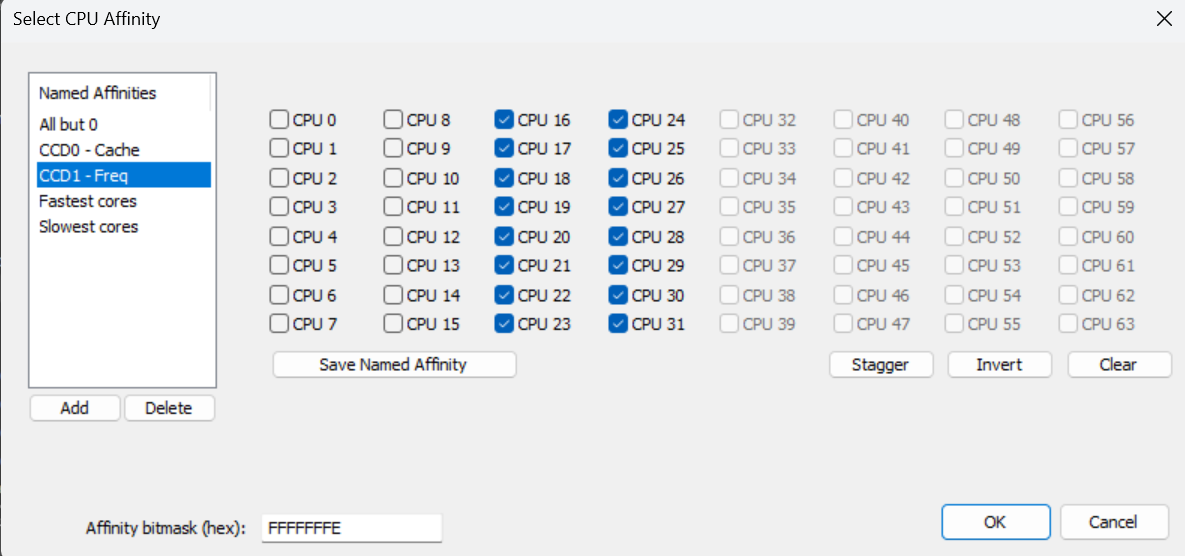
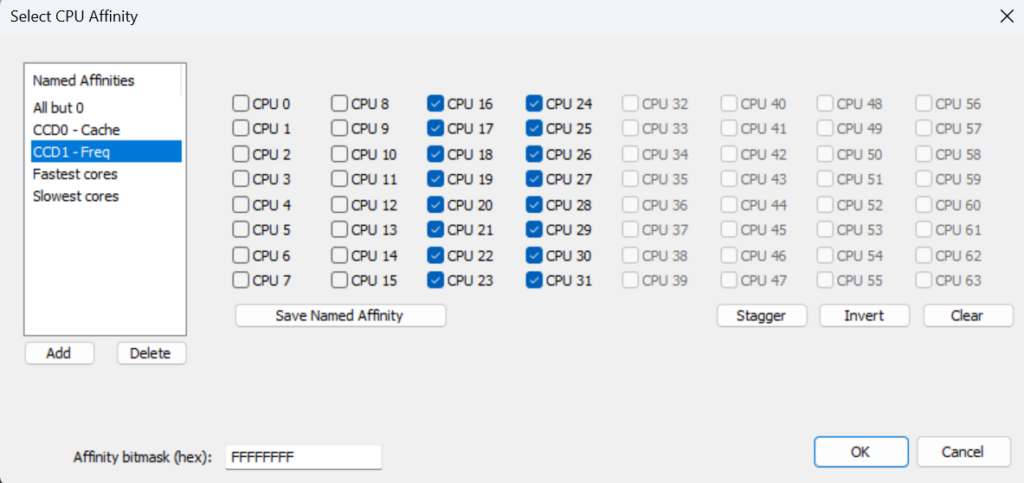
Process Lasso v14 introduces named CPU affinities! These make it easier to reuse common CPU affinities, such as a particular CCD or your fastest cores. No longer will users have to manually select CPU cores every time they assign an affinity!
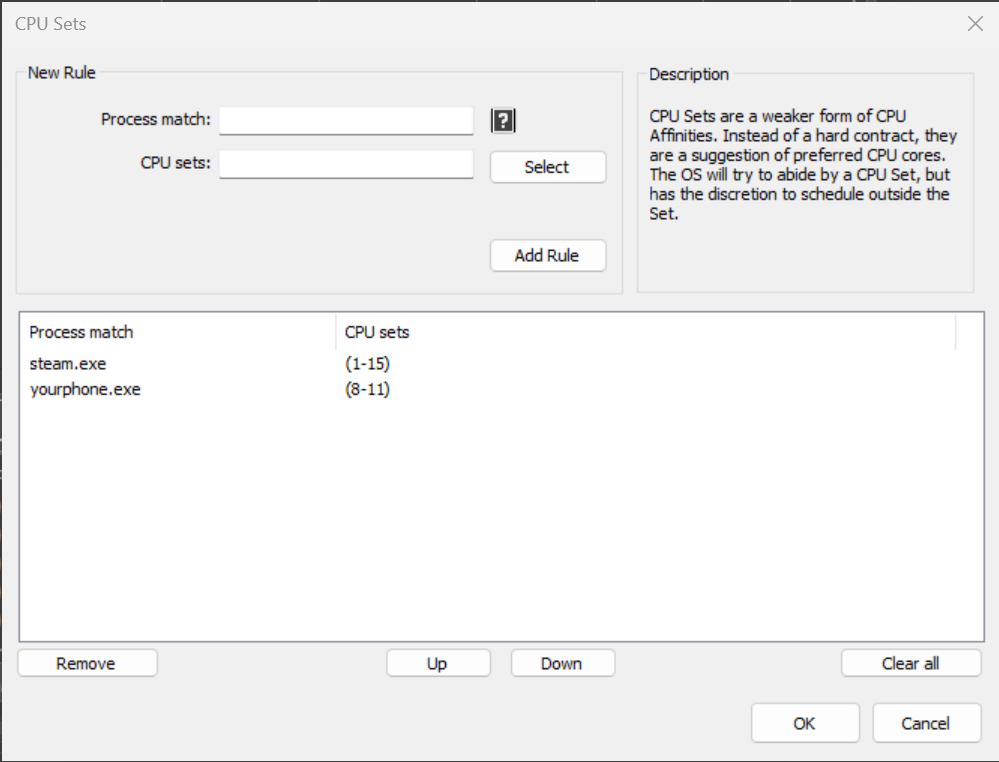
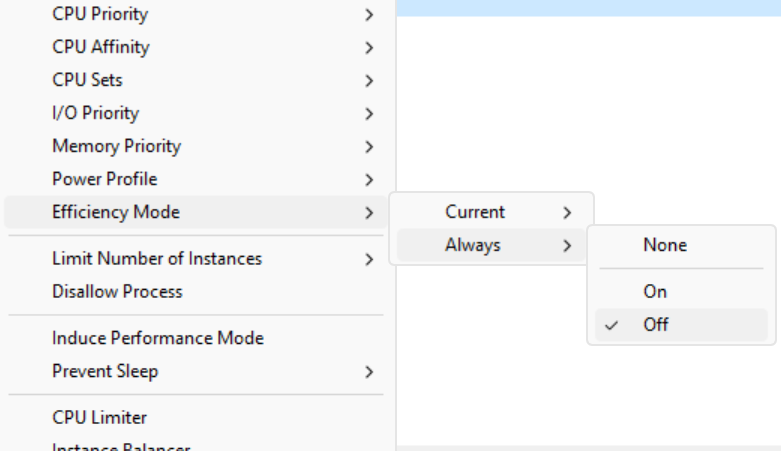
A common complaint with heterogenous CPUs such as Intel 12th+ generation is that sometimes threads will be inappropriately scheduled onto the efficient (E) cores. There are a number of ways to discourage or entirely prevent this behavior, and in this guide we’ll go through a few of them.
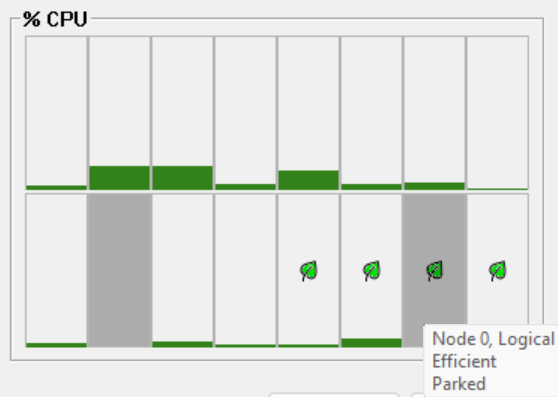
Process Lasso v12.4 adds leaf (eco) icons to distinguish the E-cores, delayed CPU affinity rules, and more! We’ve also updated our ParkControl app with new heterogenous scheduling settings, and tuned the Bitsum Highest Performance power plan to prefer P-cores. All this is part of our continuing mission to empower users to run apps their way!
See also:
Process Lasso is available in English, German, Russian, Slovenian, Spanish, Polish, Finnish, PT-BR, Japanese, and Chinese (Simplified and Traditional). Help translate Process Lasso.