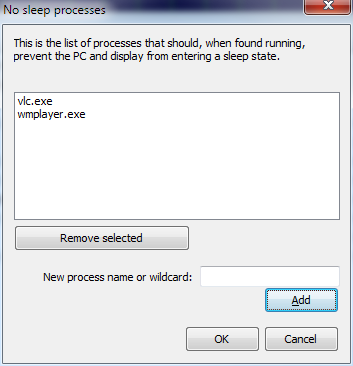
Anti-sleep Processes
- Menu path: ‘Options / Power / Keep Awake …’
The user can prevent the PC and display from entering a sleep or hibernate state by adding them to the ‘anti-sleep’ list. This can be done by right-clicking on a process, using the ‘When running’ menu, or by using application menu option at ‘Options / Configure Anti-Sleep processes …’.