All Processes Tab
The Process List shows running processes and allows for easy rule creation. You can right click on any process, or on multiple processes, to get a context menu of available options. Among many other things, the options include setting current priorities and affinities, as well as default priorities and affinities.
Tree View
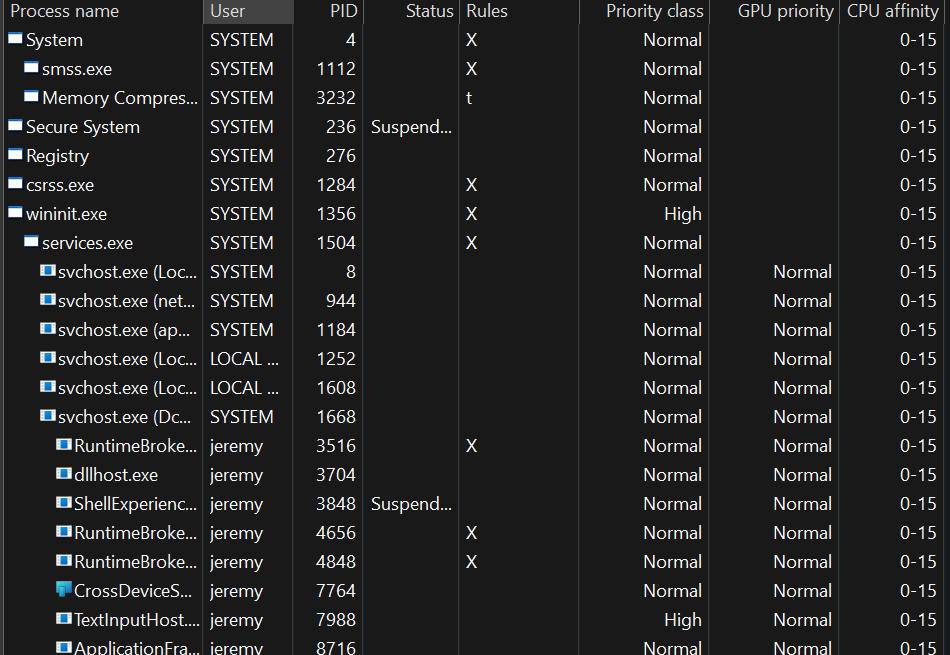
Processes Tree View
The tree view provides a way to visualize the process parent/child hierarchy. Many applications spawn child processes, resulting in several same-named instances, thus this new tree view makes managing them easier. It also helps with visualizing the state of the system and specific user activity.
Left-clicking on the ‘Process name’ header will rotate between tree and classic ordering. Left-clicking on any other column will end the tree view and sort by that column. Alternatively, the tree view can be toggled via a ‘View’ menu item.
Single process context menu
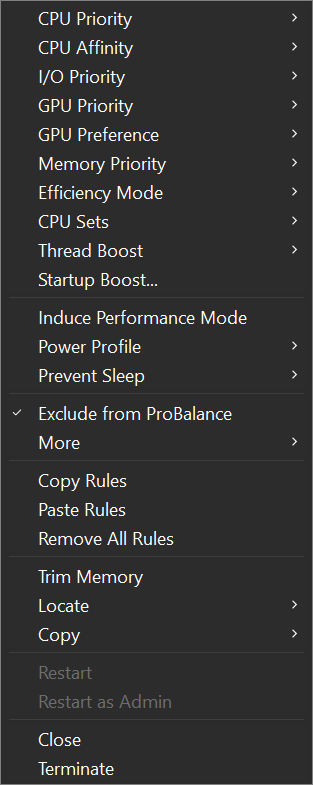
The context menu when multiple processes are selected is different than when a single process is selected, since not all operations can be performed on multiple processes.
Multi-select process context menu
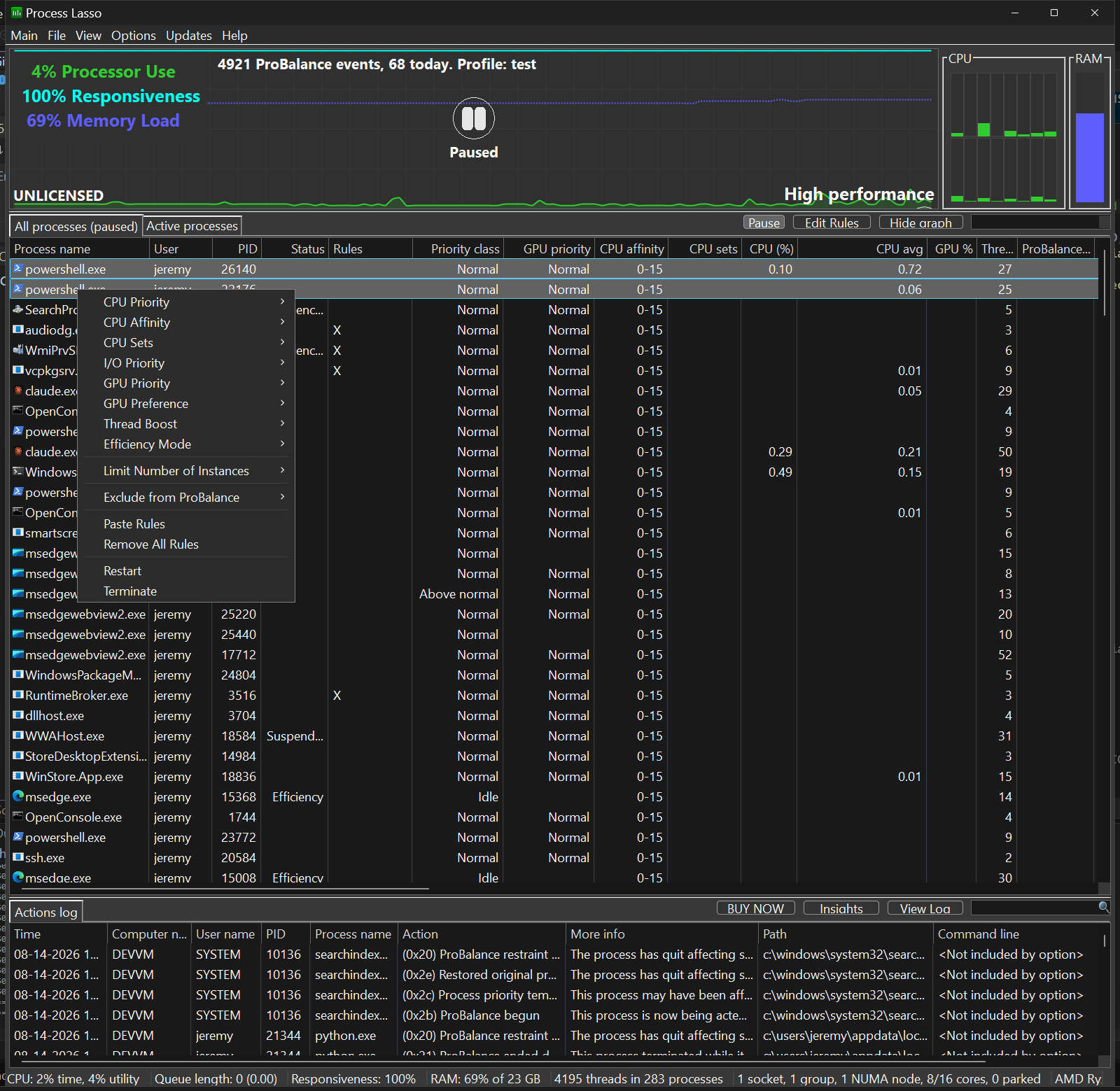
Select Multiple Processes
With Process Lasso you can select multiple processes at once and operate on them. Not all functions are available when multiple processes are selected, but most common ones are.